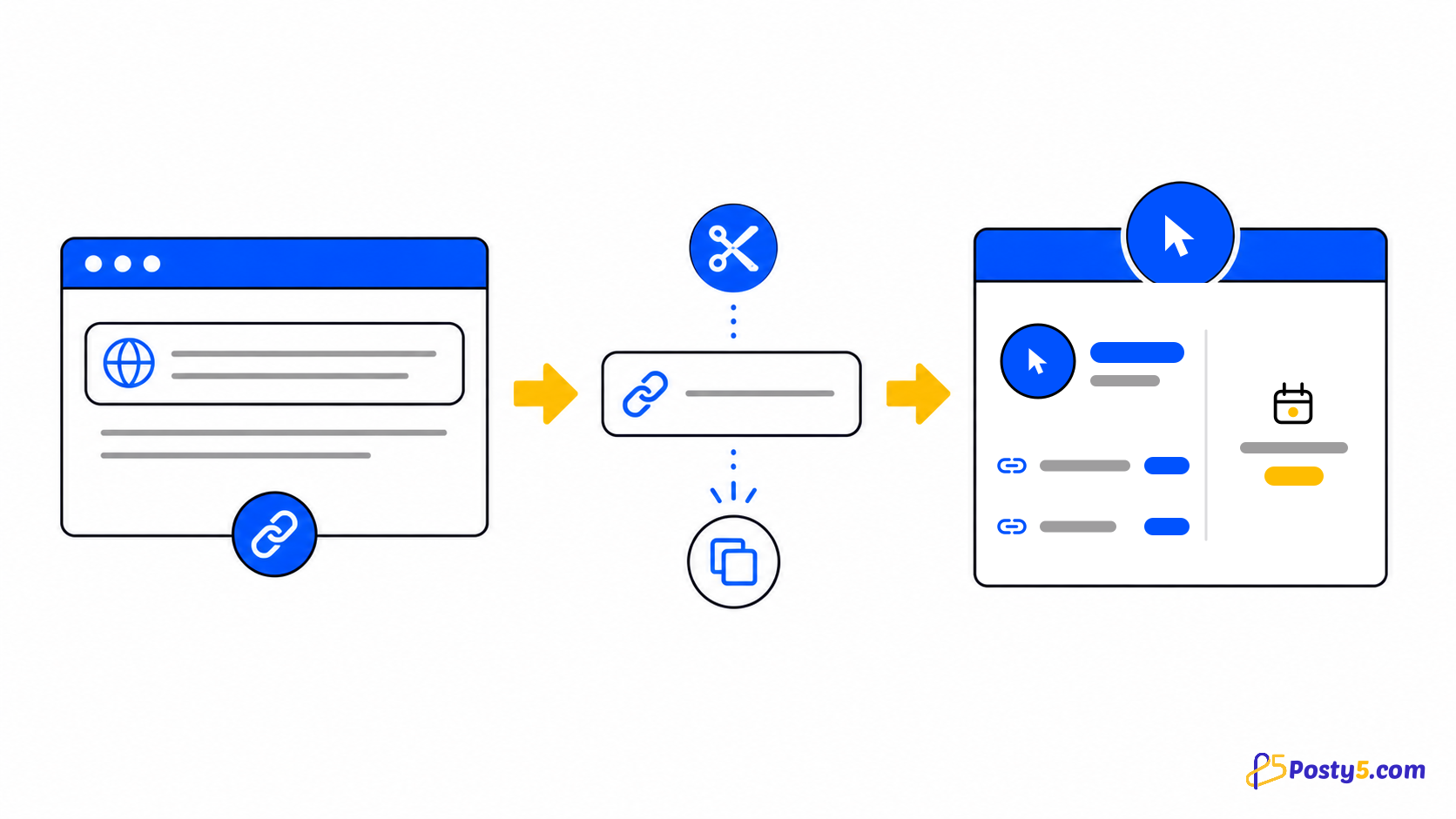
Paste the full destination including https://, optionally add a name or an available custom ending when signed in, complete the verification, then create, copy and test the result.
Create a short link
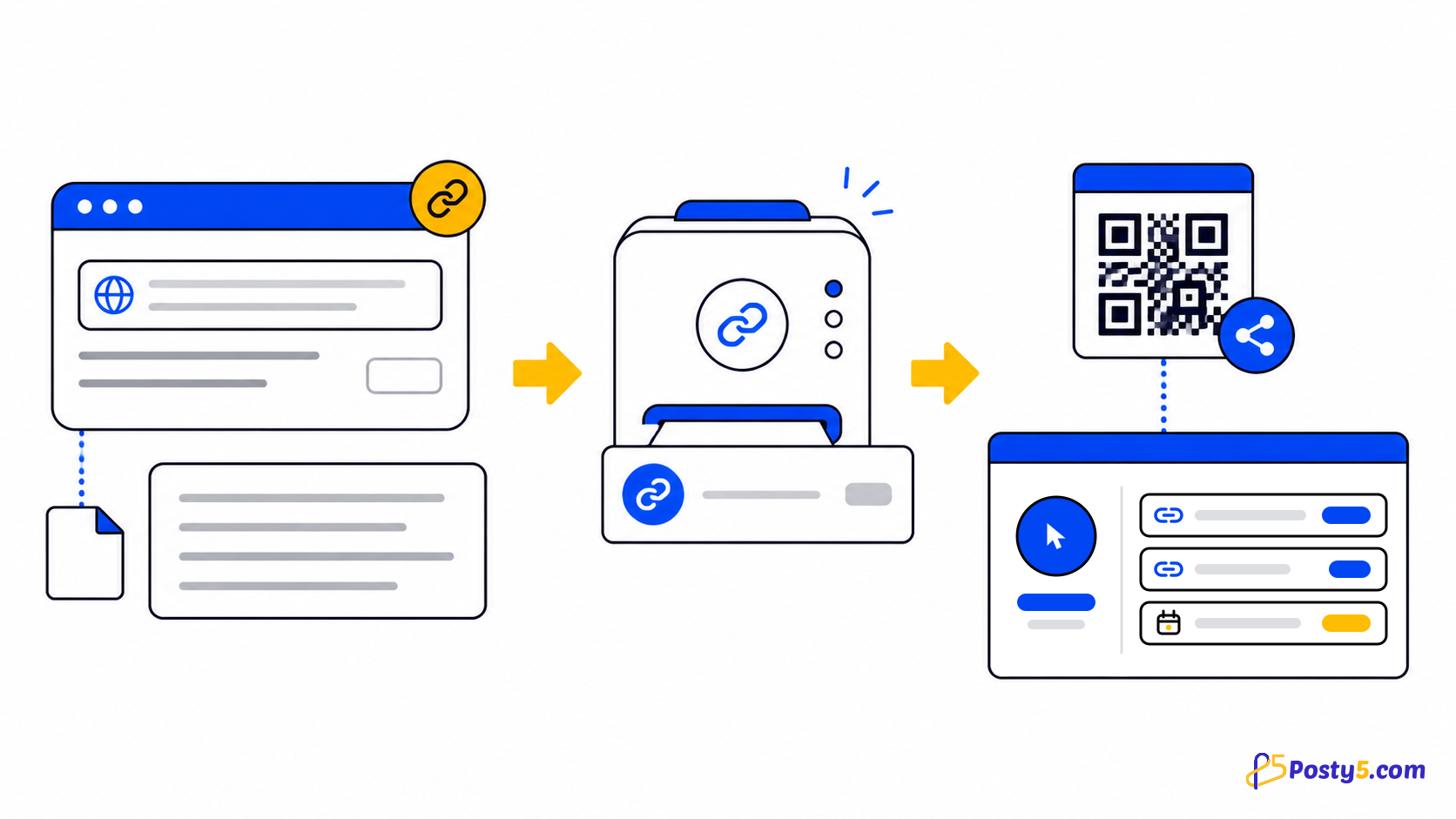
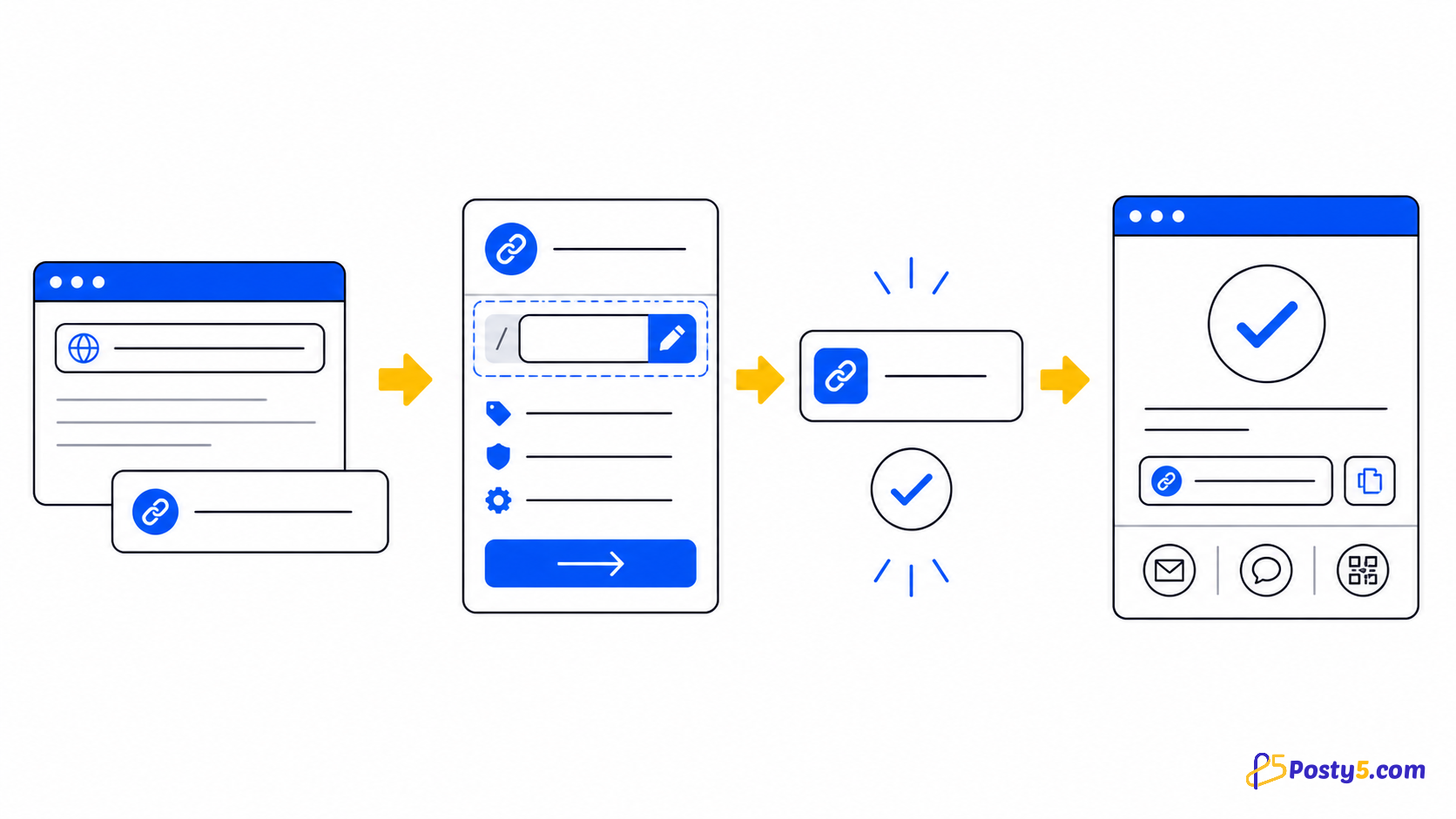
- Paste the full destination including https://, optionally add a name or an available custom ending when signed in, complete the verification, then create, copy and test the result.
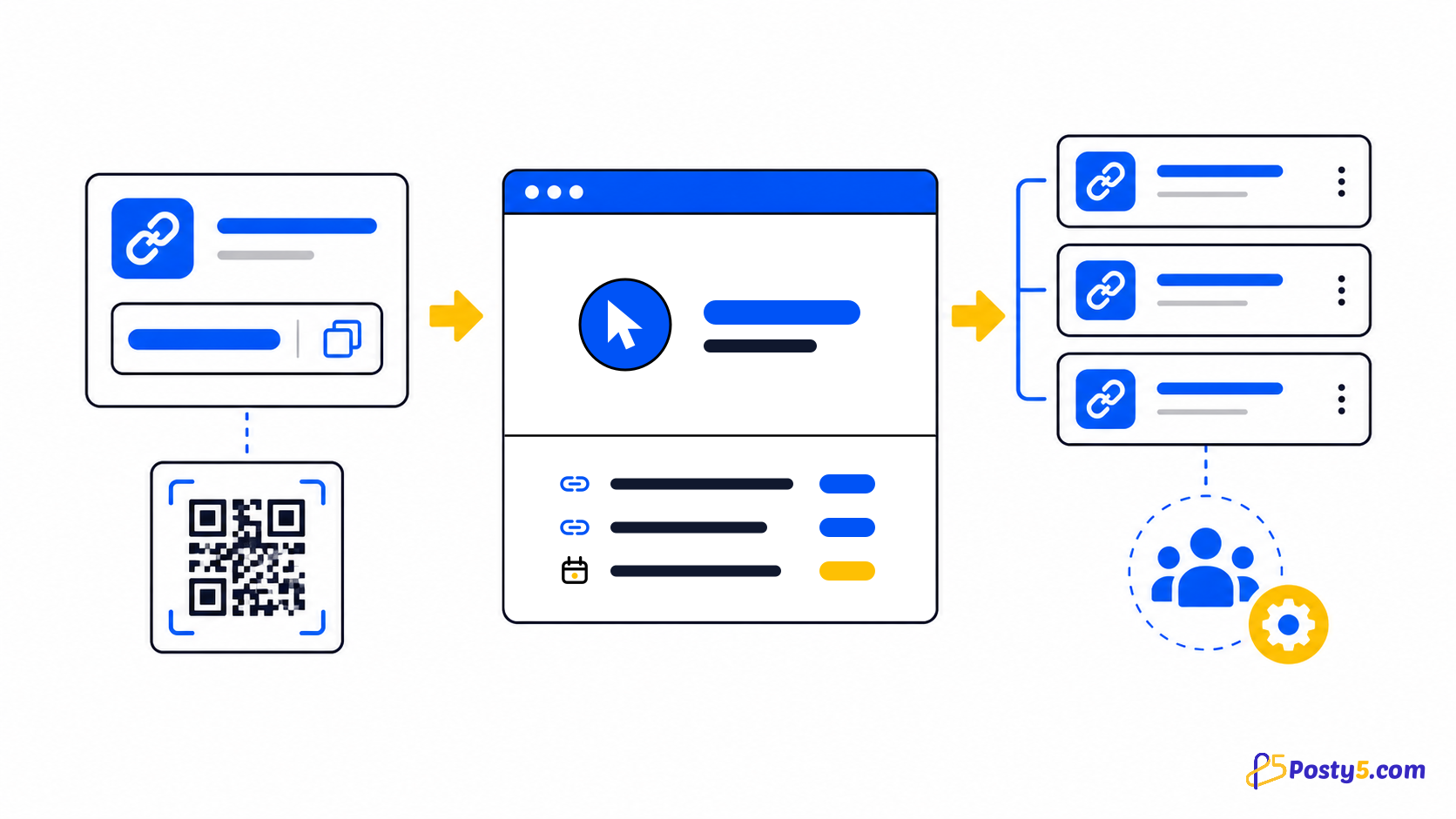
- Every short-link response includes a QR landing URL and a QR image URL. The public tool and dashboard also connect the link to the QR template workflow.
- Signed-in users can list links, search them, open details, edit the destination and name, or delete a link. Changing the destination keeps the same short address.
Choose a custom ending
A custom ending is chosen only when a link is created, must be available across Posty5 and may be locked by account entitlement. Leave it empty for an automatically generated code; the destination can still be edited later.
Measure visits accurately
Posty5 stores the total visitor count and the last-visit date for each short link. The statistics endpoint also reports totals and top links for a selected period.
Posty5 does not store a per-click event history for location, device or referrer reporting. Do not read the aggregate counter as unique visitors or detailed attribution.
Troubleshoot the link
Creation can fail when the URL is invalid, points to a blocked file-like path, is reported as unsafe, fails verification, or uses an invalid or already-taken custom ending. Never try to bypass a safety rejection.
Destination metadata is best-effort and has a twelve-second timeout. Missing title or preview data does not by itself mean that the redirect failed.
Frequently asked questions
Create a short link?
Paste the full destination including https://, optionally add a name or an available custom ending when signed in, complete the verification, then create, copy and test the result.
Choose a custom ending?
A custom ending is chosen only when a link is created, must be available across Posty5 and may be locked by account entitlement. Leave it empty for an automatically generated code; the destination can still be edited later.
Measure visits accurately?
Posty5 stores the total visitor count and the last-visit date for each short link. The statistics endpoint also reports totals and top links for a selected period.
Troubleshoot the link?
Creation can fail when the URL is invalid, points to a blocked file-like path, is reported as unsafe, fails verification, or uses an invalid or already-taken custom ending. Never try to bypass a safety rejection.
Continue through the URL Shortener guides
- Read: Posty5 URL Shortener: Create and Manage Short Links
- Read: How to Create a Custom Short Link with Posty5
- Read: How to Organise Campaign Short Links with Tags and Ref IDs
- Read: A Bitly Alternative for Simple Short Links and QR Codes
- Read: A TinyURL Alternative with Link Management and QR Codes
- Read: Posty5 vs Bitly: Choose the Link Workflow You Need
- Read: Short Link Not Working? Causes and Fixes