A custom ending is chosen only when a link is created, must be available across Posty5 and may be locked by account entitlement. Leave it empty for an automatically generated code; the destination can still be edited later.
Choose a custom ending
A custom ending is chosen only when a link is created, must be available across Posty5 and may be locked by account entitlement. Leave it empty for an automatically generated code; the destination can still be edited later.
Use a short, readable campaign ending that will still make sense later. Add a stable brand or campaign prefix when a common word is already taken.
Open URL ShortenerCreate a short link
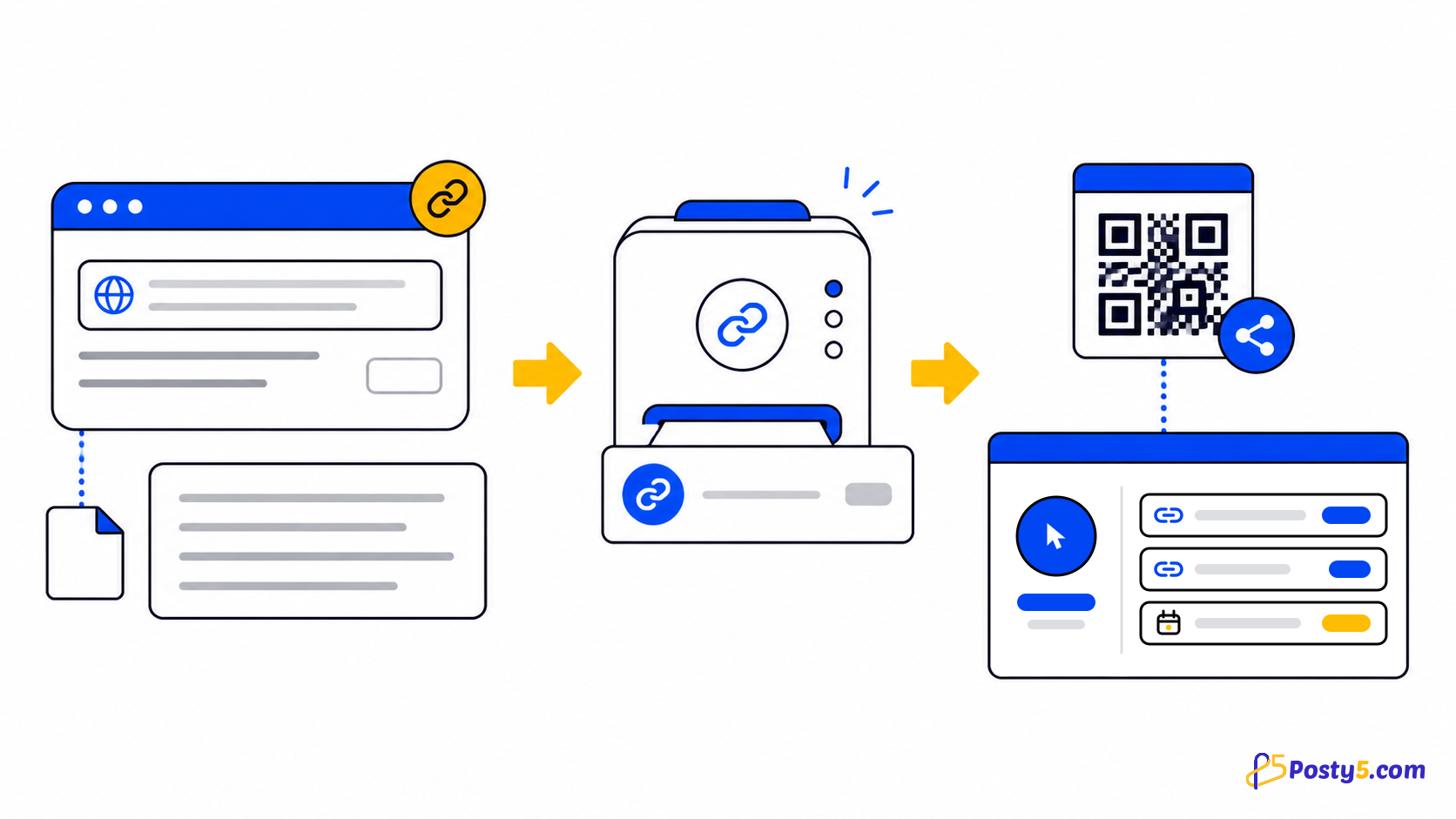
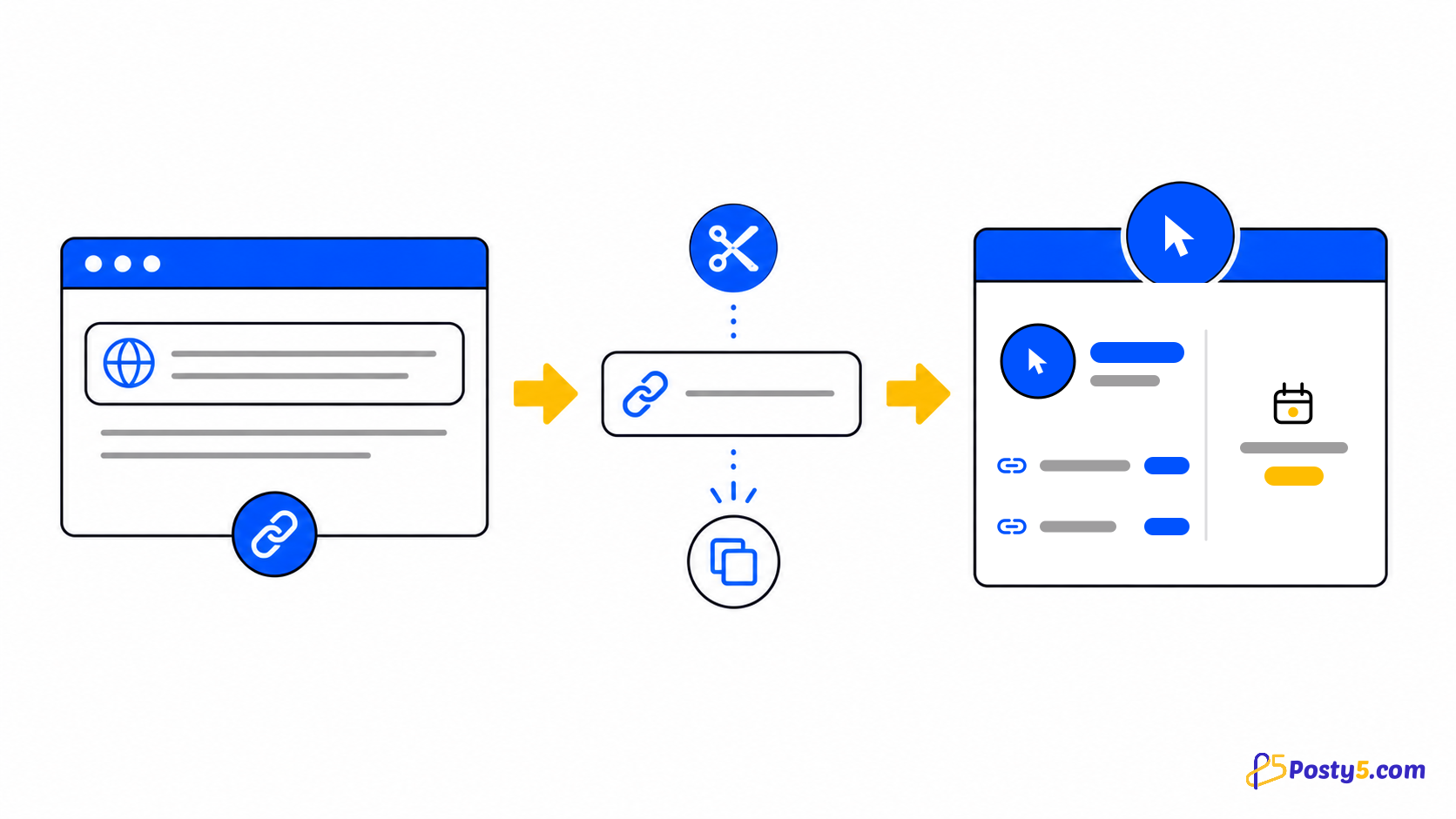
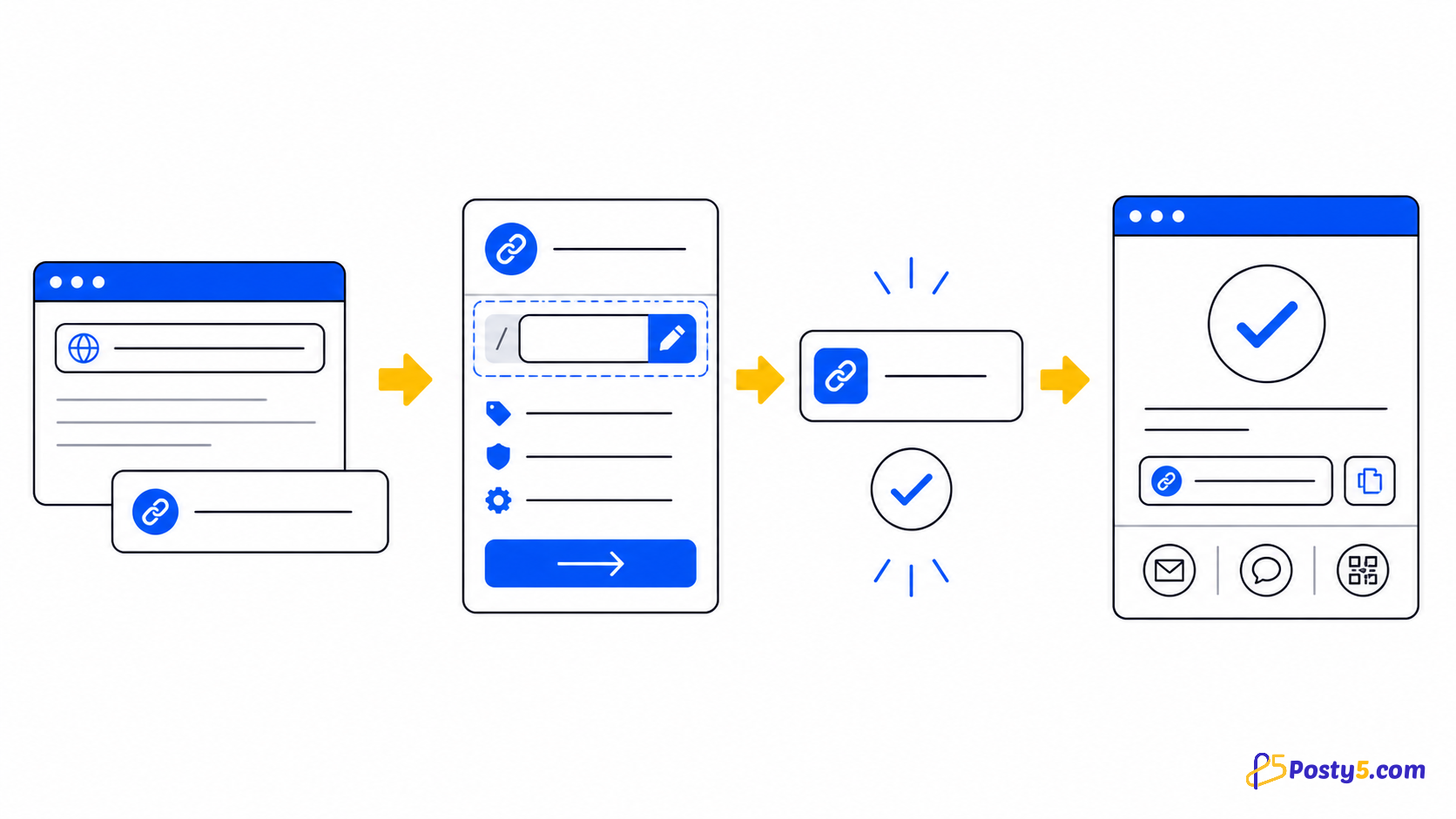
- Paste the full destination including https://, optionally add a name or an available custom ending when signed in, complete the verification, then create, copy and test the result.
- Use a short, readable campaign ending that will still make sense later. Add a stable brand or campaign prefix when a common word is already taken.
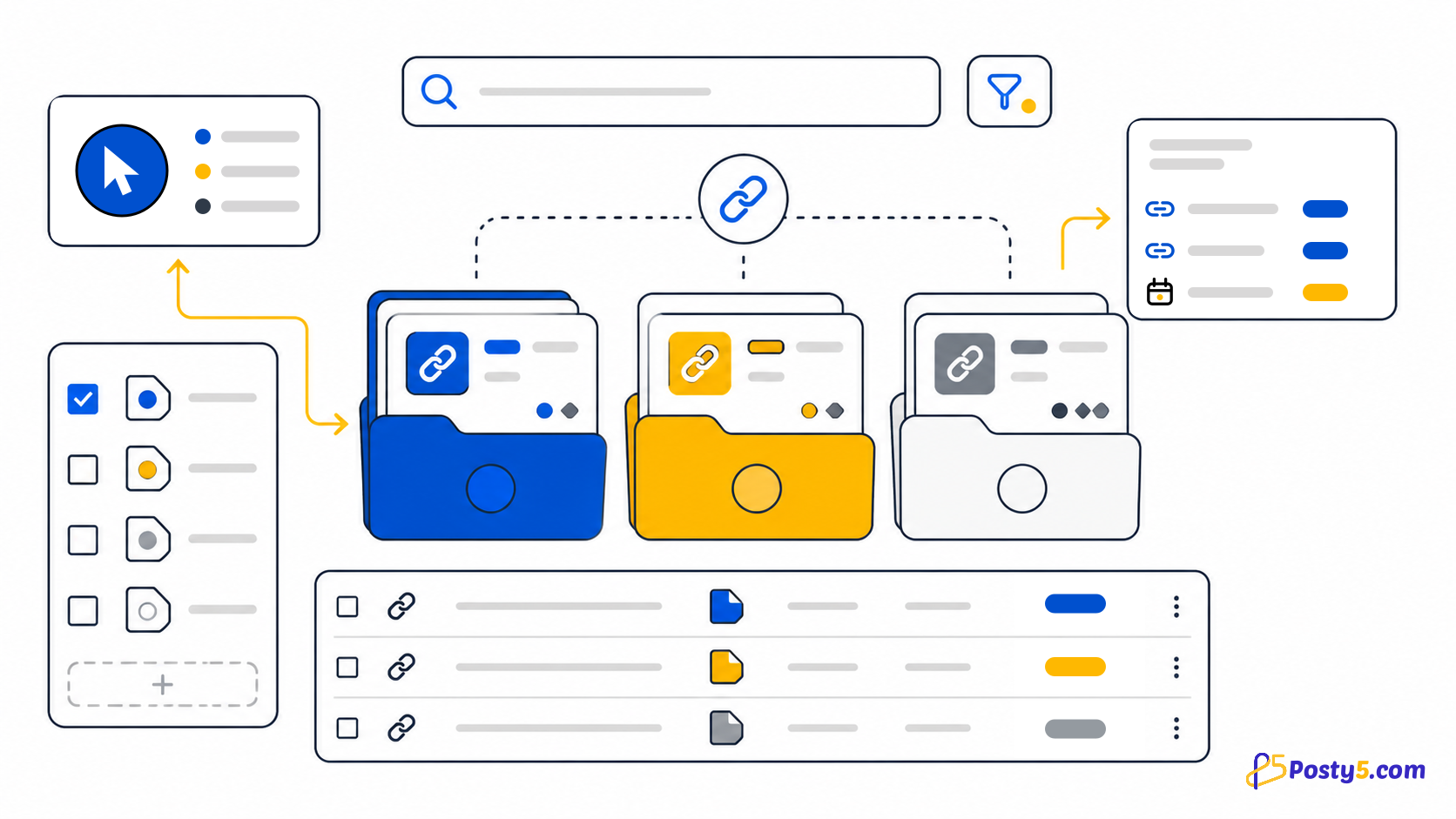
- Signed-in users can list links, search them, open details, edit the destination and name, or delete a link. Changing the destination keeps the same short address.
Troubleshoot the link
Creation can fail when the URL is invalid, points to a blocked file-like path, is reported as unsafe, fails verification, or uses an invalid or already-taken custom ending. Never try to bypass a safety rejection.
Compare the workflows
Posty5 has no verified per-user custom short domain. Choose another workflow if one of those is essential.
Frequently asked questions
Choose a custom ending?
A custom ending is chosen only when a link is created, must be available across Posty5 and may be locked by account entitlement. Leave it empty for an automatically generated code; the destination can still be edited later.
Create a short link?
Paste the full destination including https://, optionally add a name or an available custom ending when signed in, complete the verification, then create, copy and test the result.
Troubleshoot the link?
Creation can fail when the URL is invalid, points to a blocked file-like path, is reported as unsafe, fails verification, or uses an invalid or already-taken custom ending. Never try to bypass a safety rejection.
How Posty5 short links work?
Signed-in users can list links, search them, open details, edit the destination and name, or delete a link. Changing the destination keeps the same short address.
Continue through the URL Shortener guides
- Read: Posty5 URL Shortener: Create and Manage Short Links
- Read: How to Shorten a URL in 3 Steps
- Read: How to Organise Campaign Short Links with Tags and Ref IDs
- Read: A Bitly Alternative for Simple Short Links and QR Codes
- Read: A TinyURL Alternative with Link Management and QR Codes
- Read: Posty5 vs Bitly: Choose the Link Workflow You Need
- Read: Short Link Not Working? Causes and Fixes