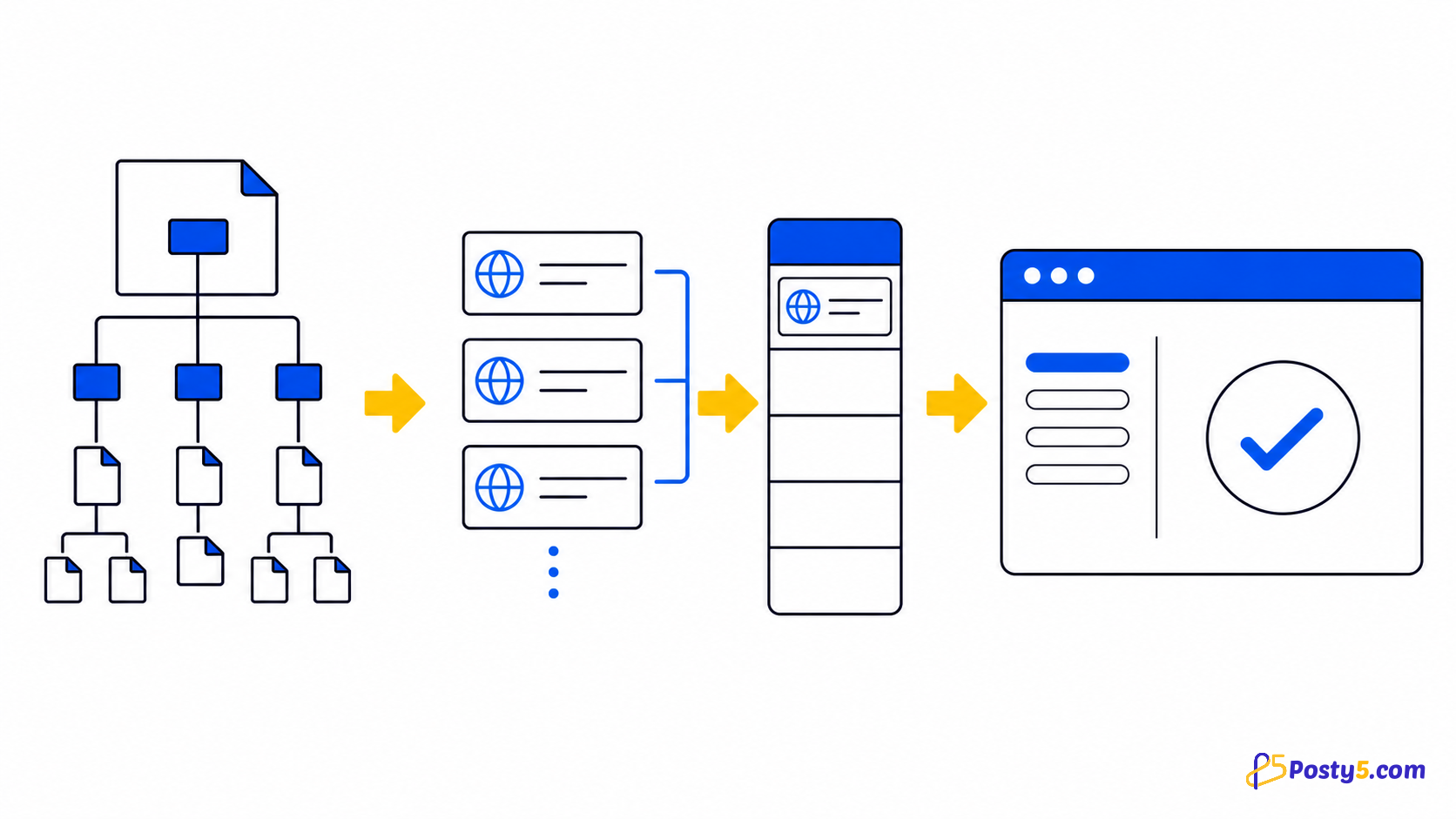
HTML table या row पर right-click करके आठ उपयोगी outputs में export करें।
Extension install करें
केवल official Store listing से install करें और बार-बार उपयोग पर icon pin करें।
Chrome Web Store से install करेंकैसे उपयोग करें
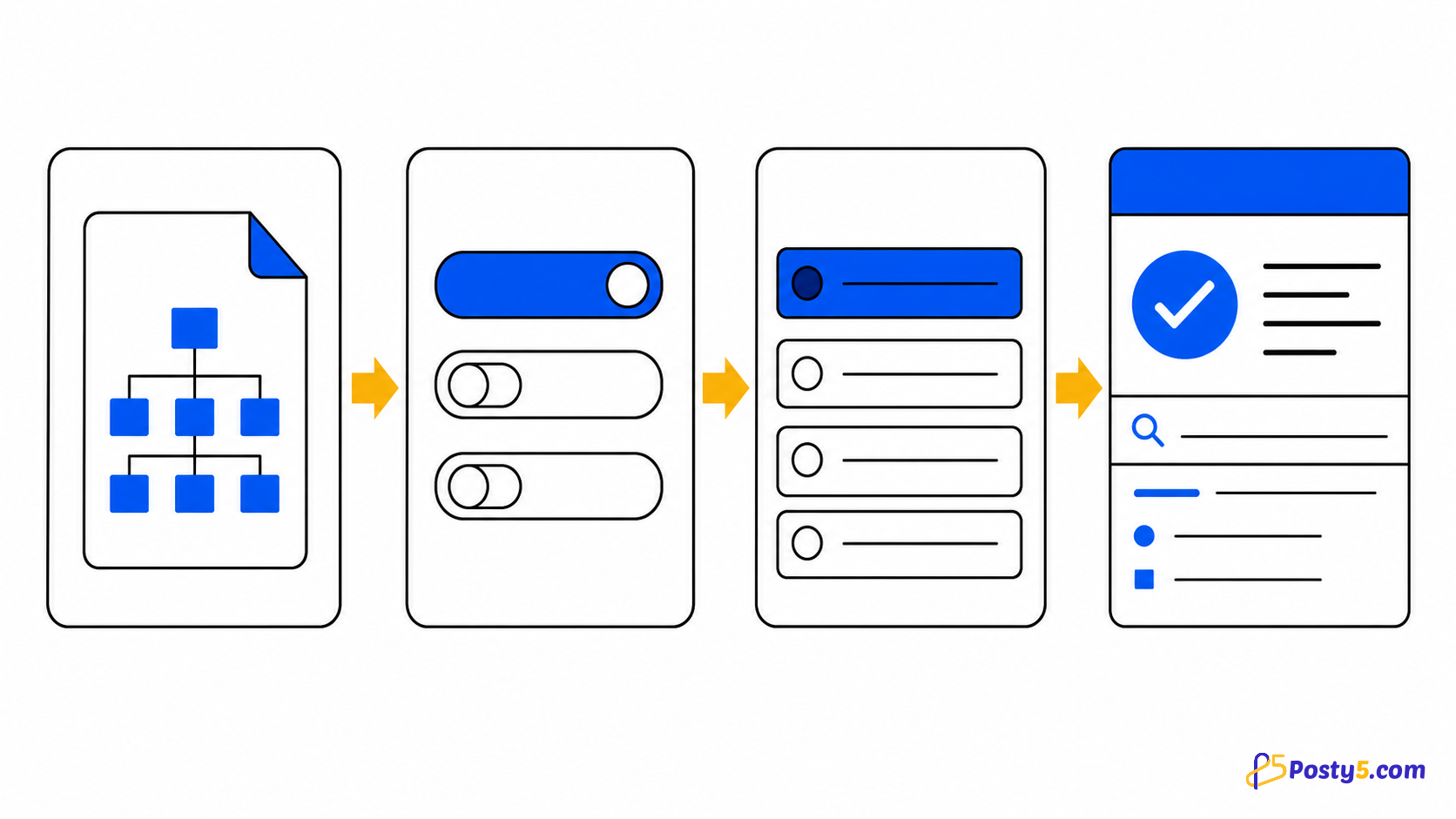
- Table वाली page पर right-click करें
- Table/row और format चुनें
- File खोलें, print या paste करें
Verified capabilities
HTML table या row पर right-click करके आठ उपयोगी outputs में export करें।
- Whole table or one row
- Excel · CSV · Word · HTML · Text · PNG
- Print and rich clipboard copy
- Paginated DataTables
- Local processing
Privacy और permissions
Checked code local process करता है; account, analytics, remote processing नहीं।
Limitations
Existing tables export करता है; OCR, formulas, live sync या PDF नहीं।
आम सवाल
कैसे उपयोग करें
Table वाली page पर right-click करें Table/row और format चुनें File खोलें, print या paste करें
Limitations
Existing tables export करता है; OCR, formulas, live sync या PDF नहीं।