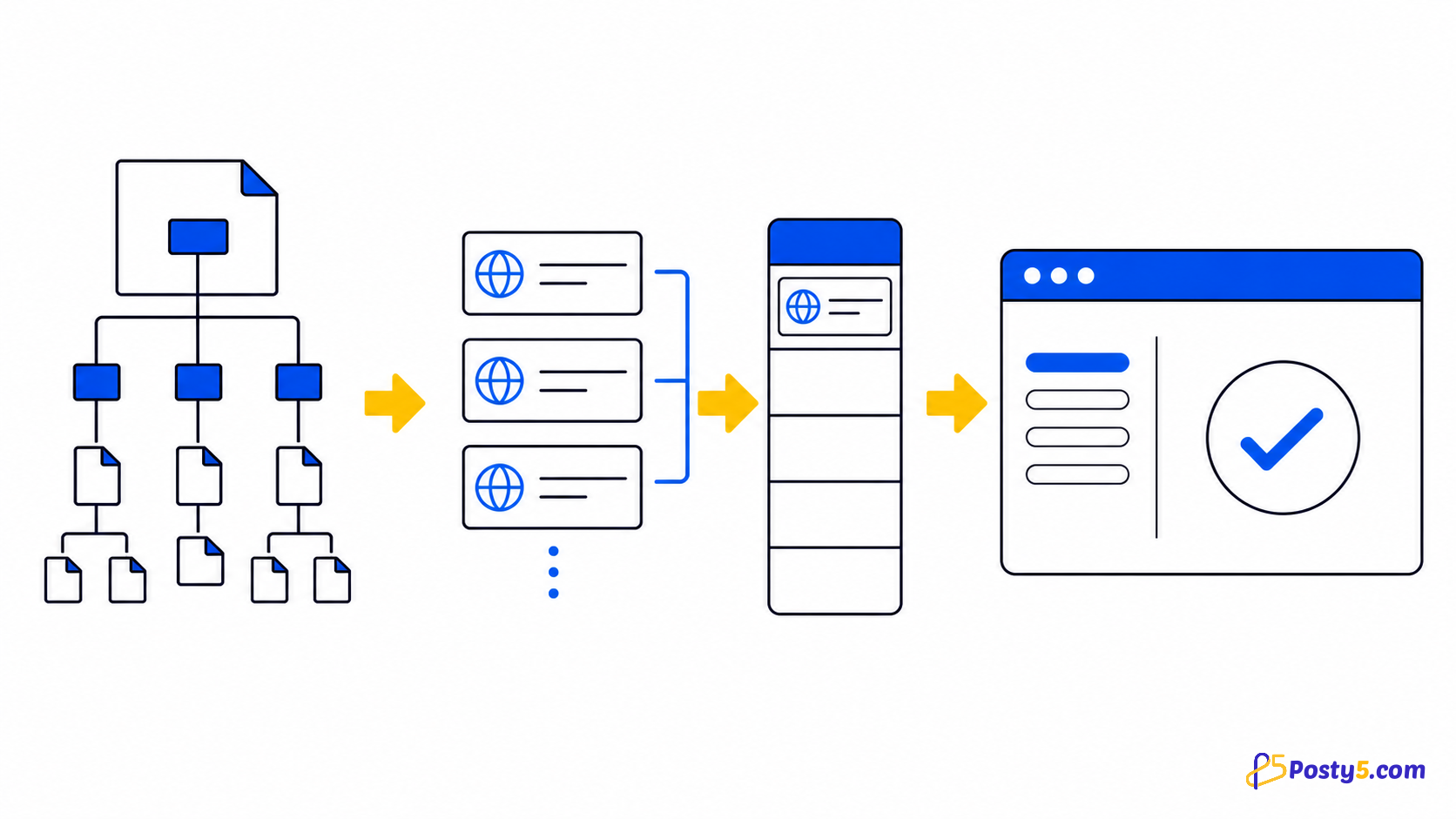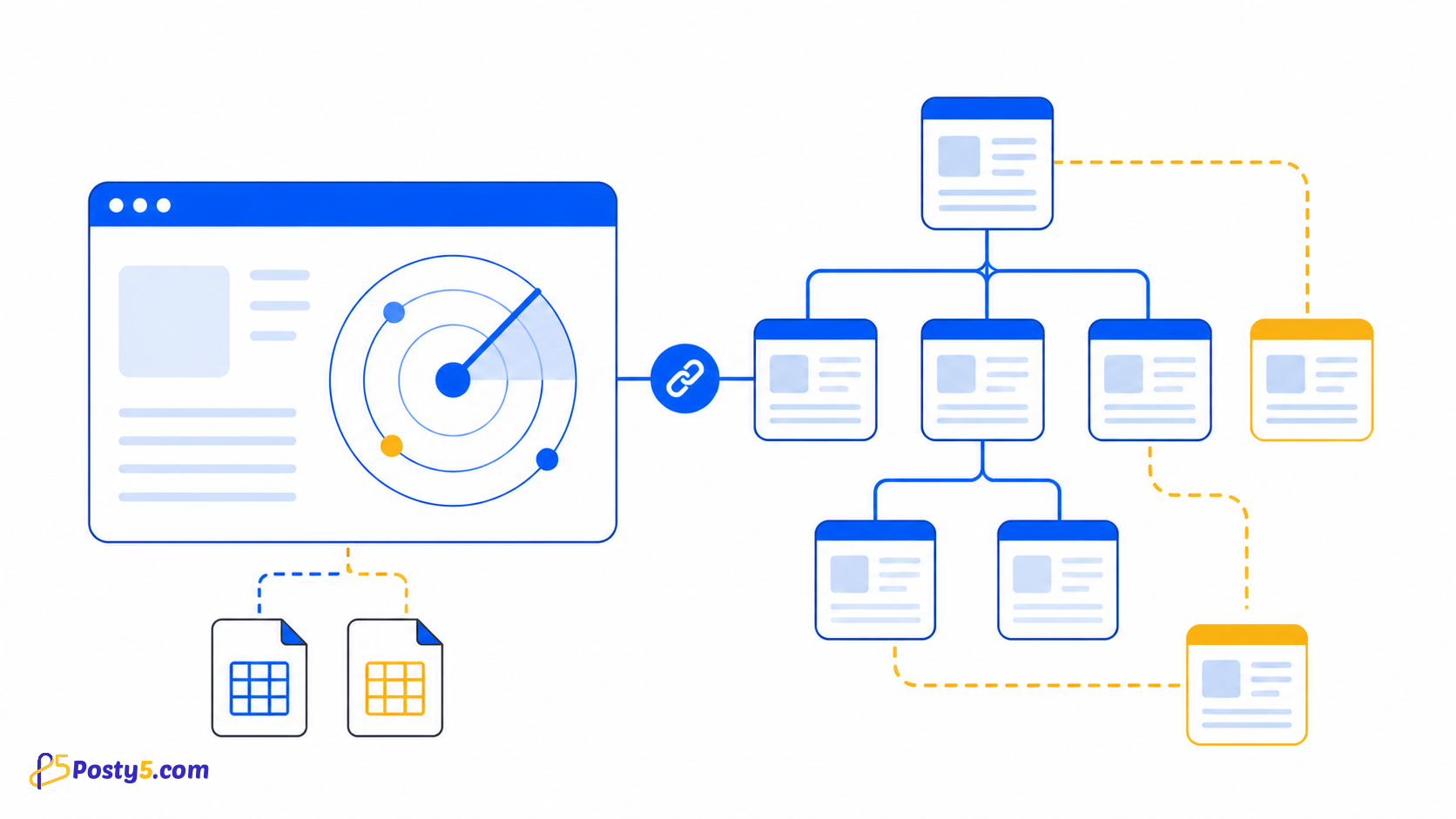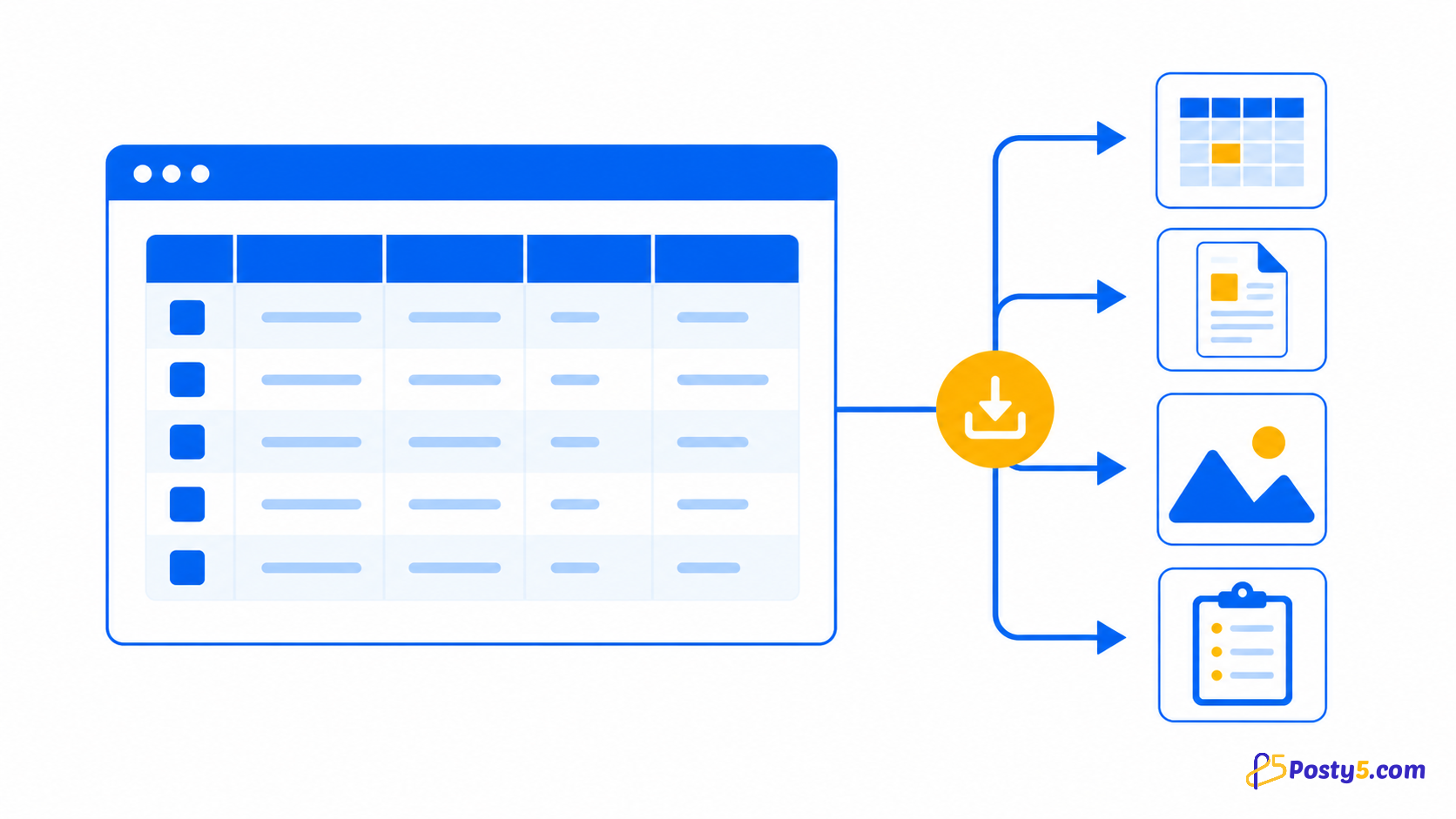
Start URL, query/hash चुनें, queue देखें और दोनों CSV export करें।
Extension install करें
केवल official Store listing से install करें और बार-बार उपयोग पर icon pin करें।
Chrome Web Store से install करेंकैसे उपयोग करें
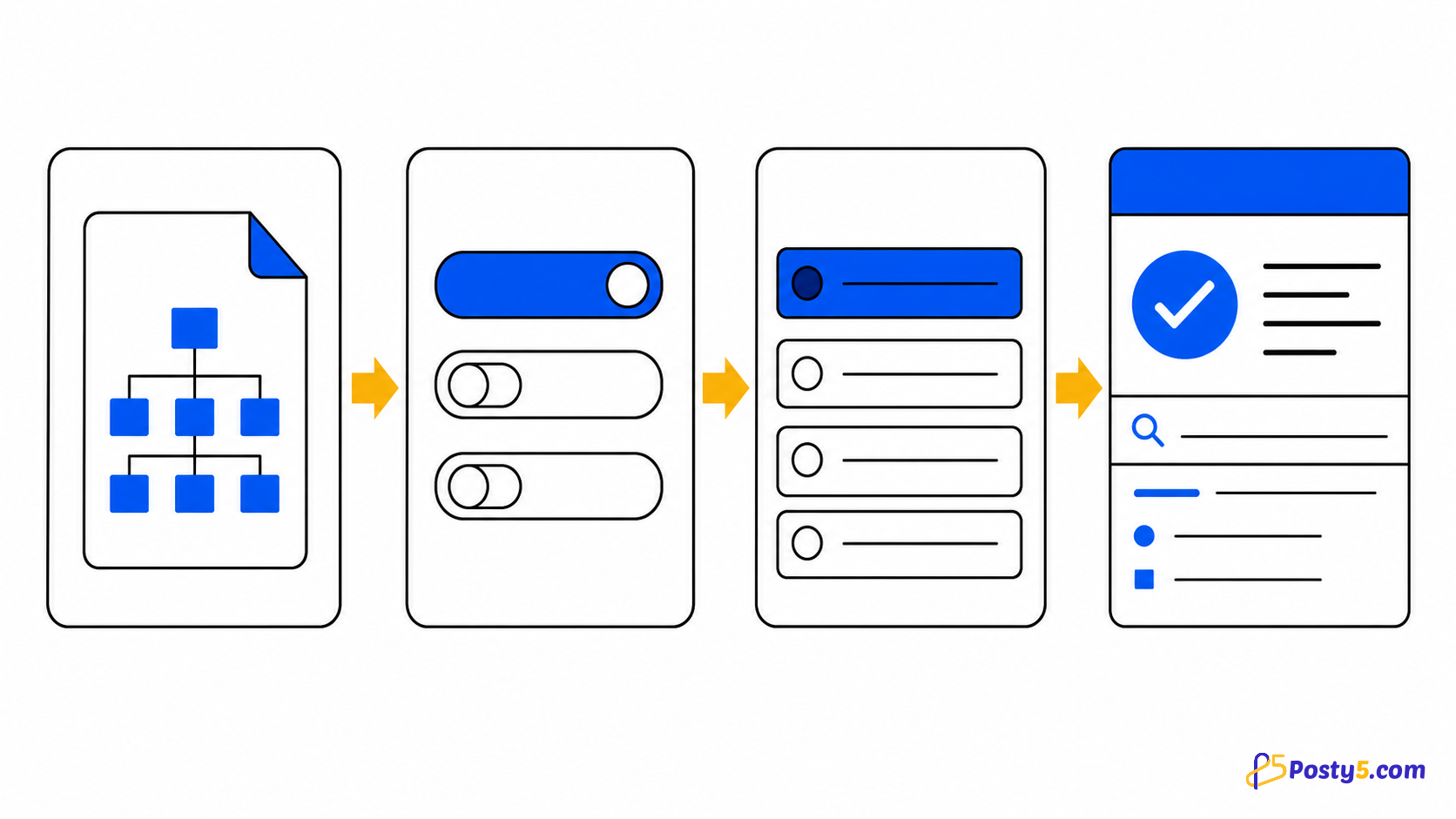
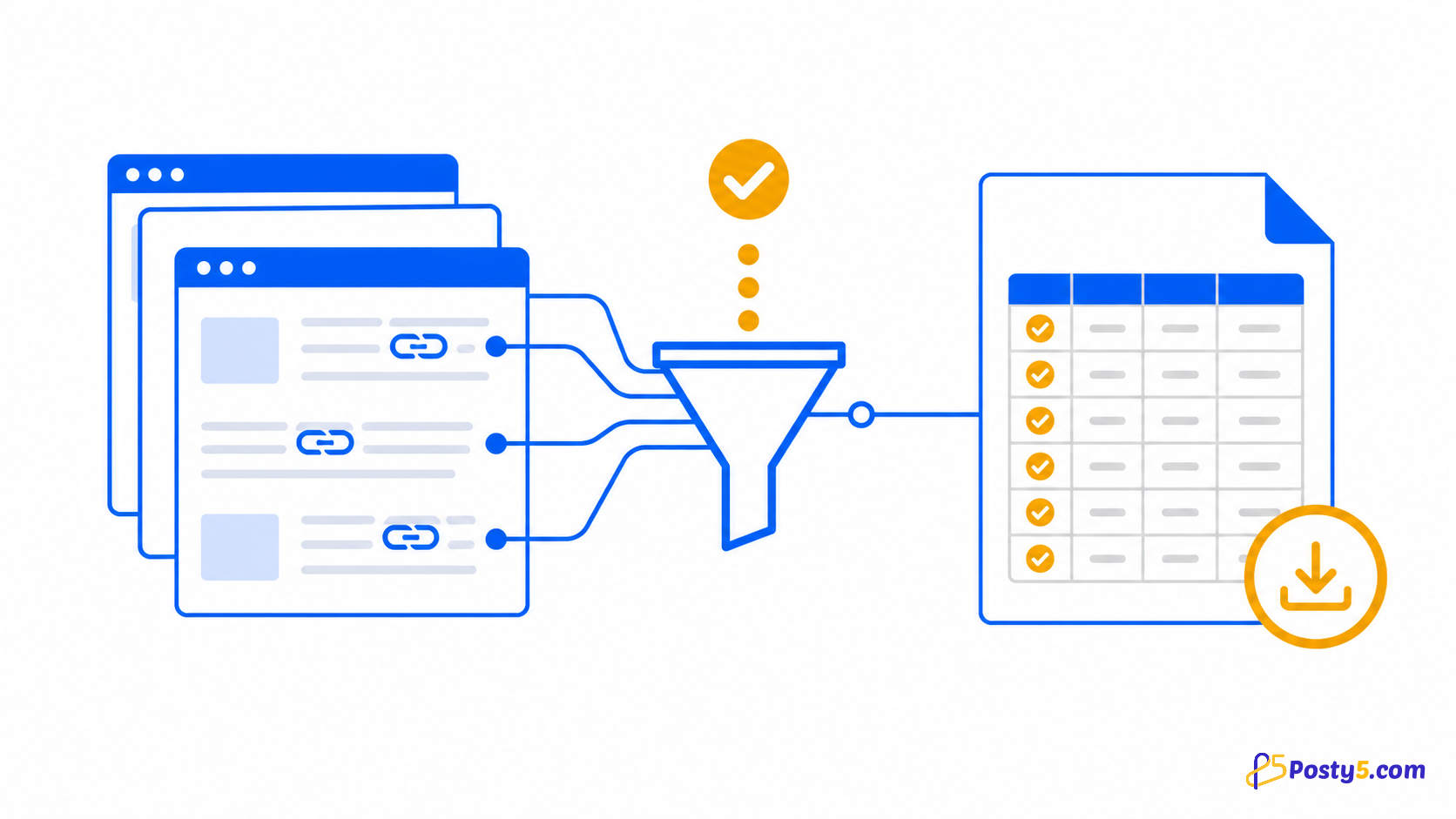
- Root और query/hash चुनें
- Run, pause या resume करें
- Filter कर दोनों CSV download करें
Verified capabilities
Start URL, query/hash चुनें, queue देखें और दोनों CSV export करें।
- User-chosen starting URL
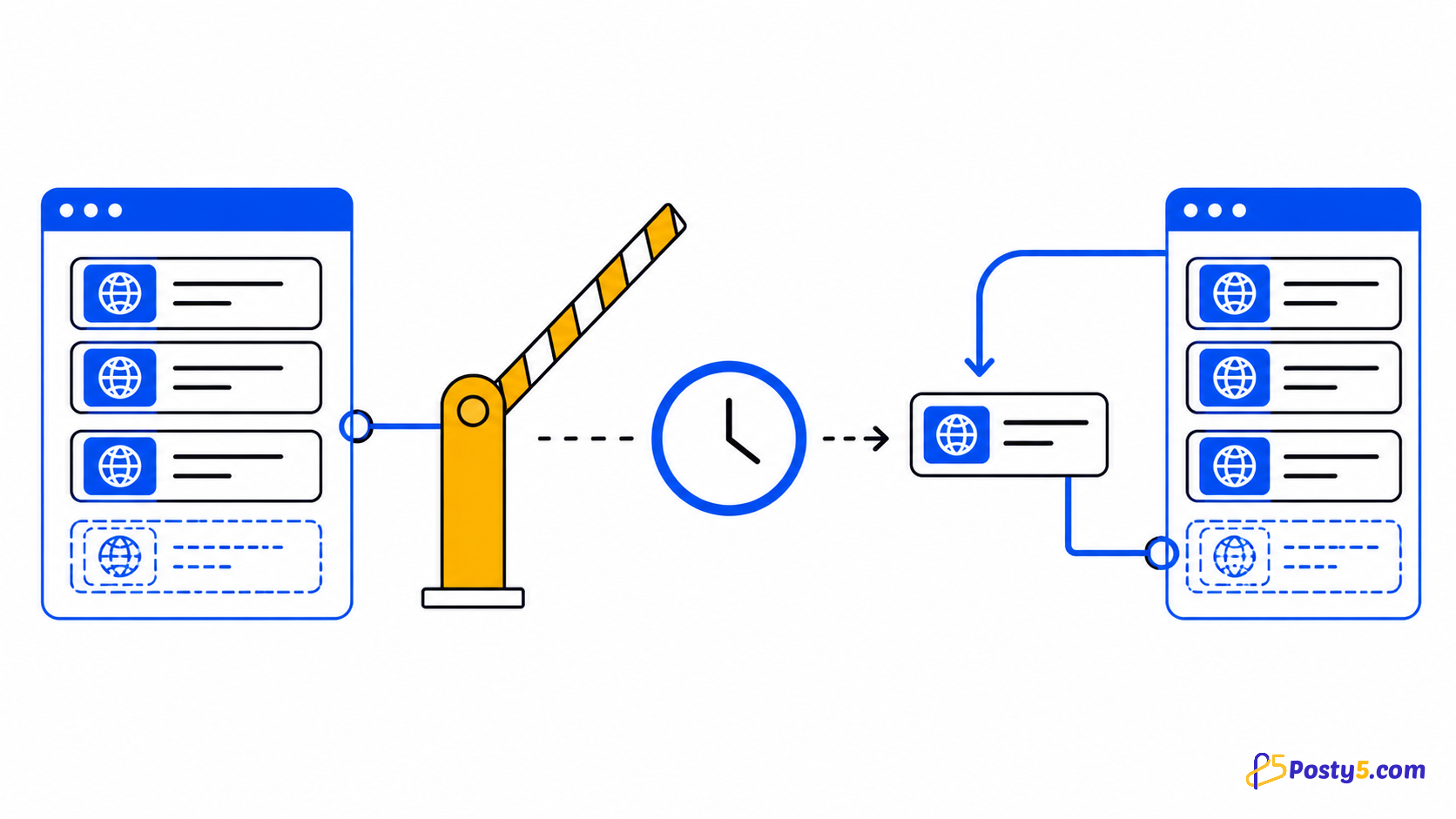
- Same-domain recursion
- Live queue and errors
- Internal CSV
- External CSV
Privacy और permissions
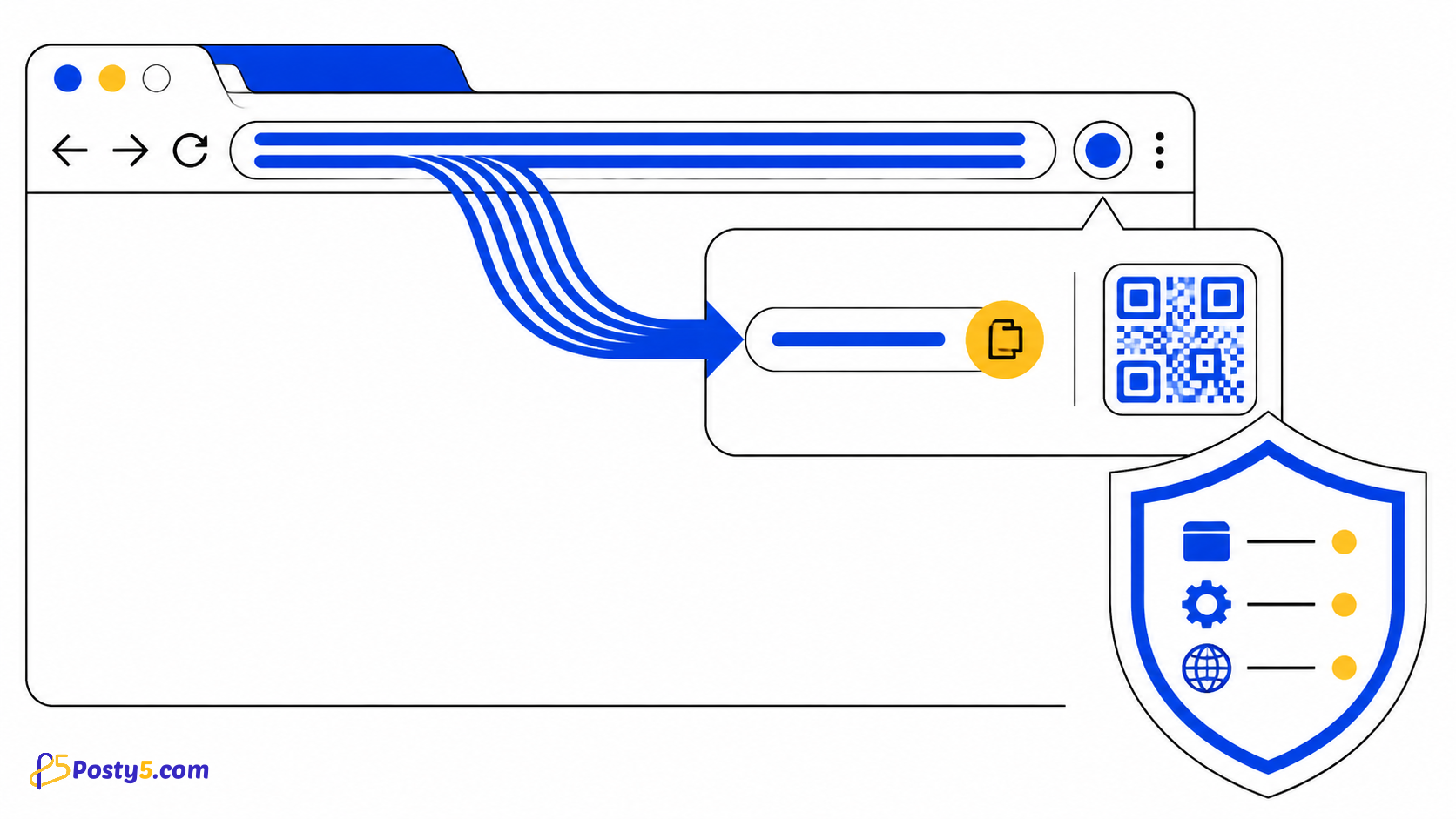
केवल चुना domain follow; broad access दूसरी browsing monitor नहीं करता।
Limitations
External links list होते हैं, crawl नहीं; export health/indexing साबित नहीं करता।
आम सवाल
कैसे उपयोग करें
Root और query/hash चुनें Run, pause या resume करें Filter कर दोनों CSV download करें
Limitations
External links list होते हैं, crawl नहीं; export health/indexing साबित नहीं करता।