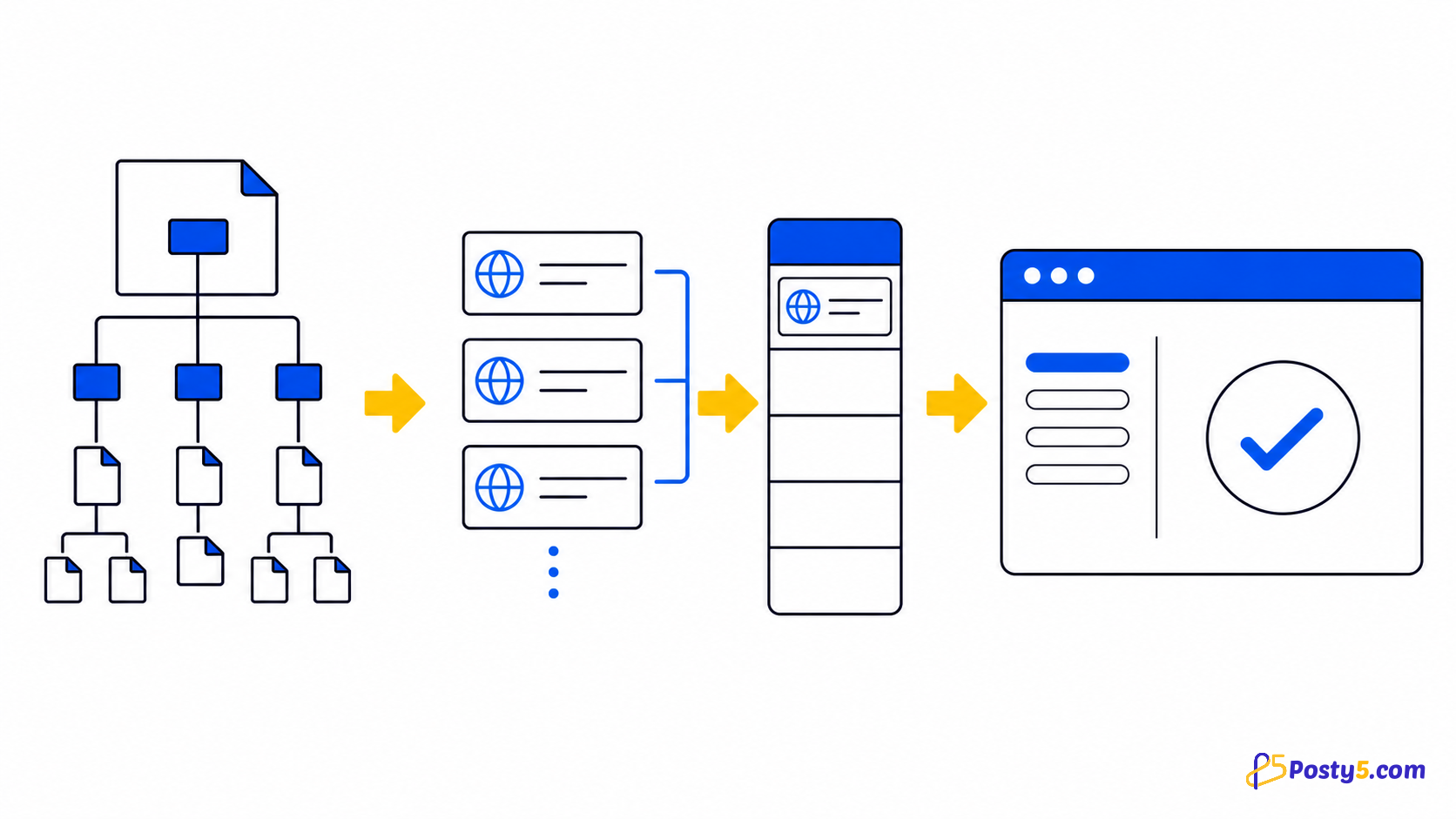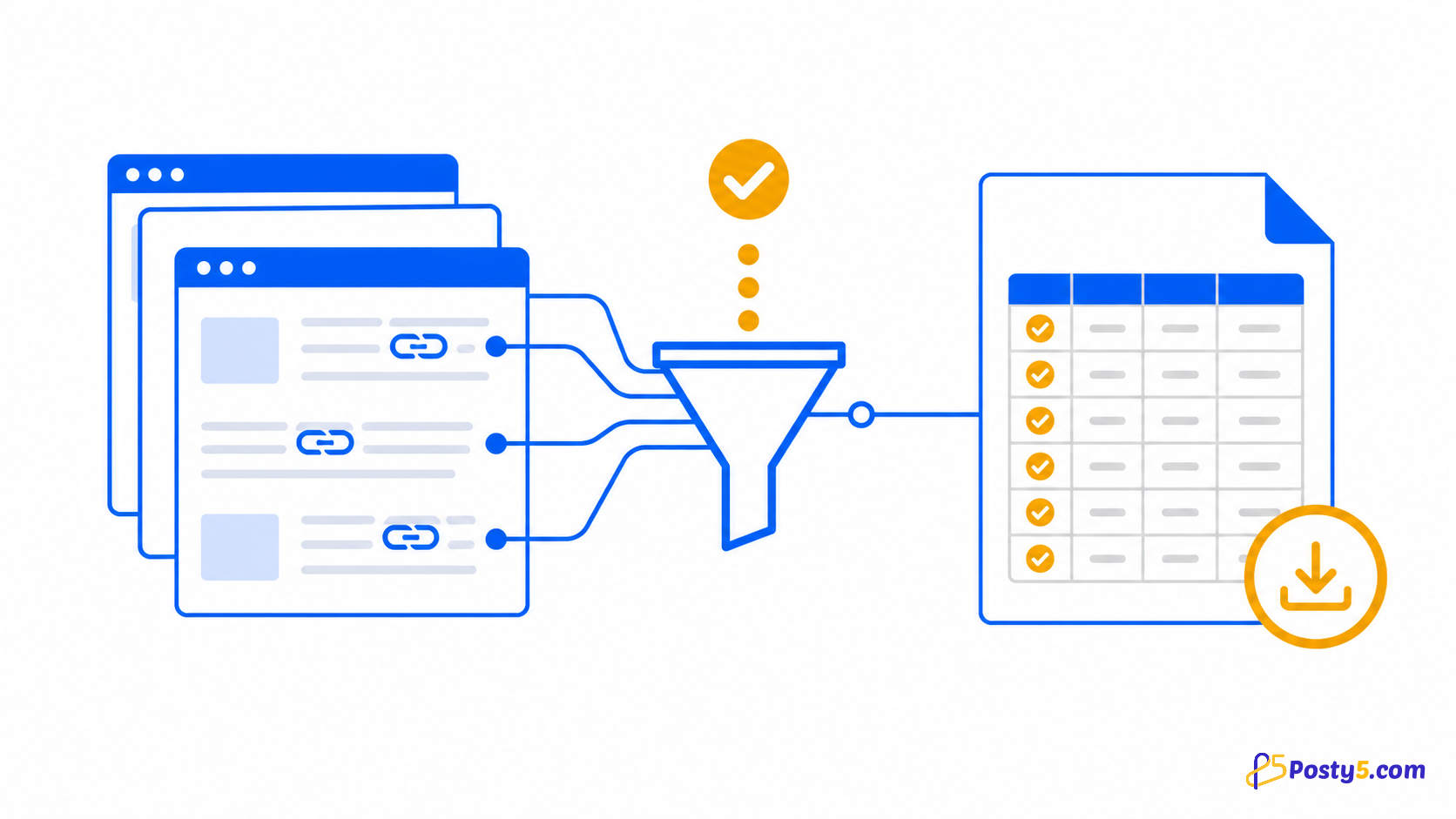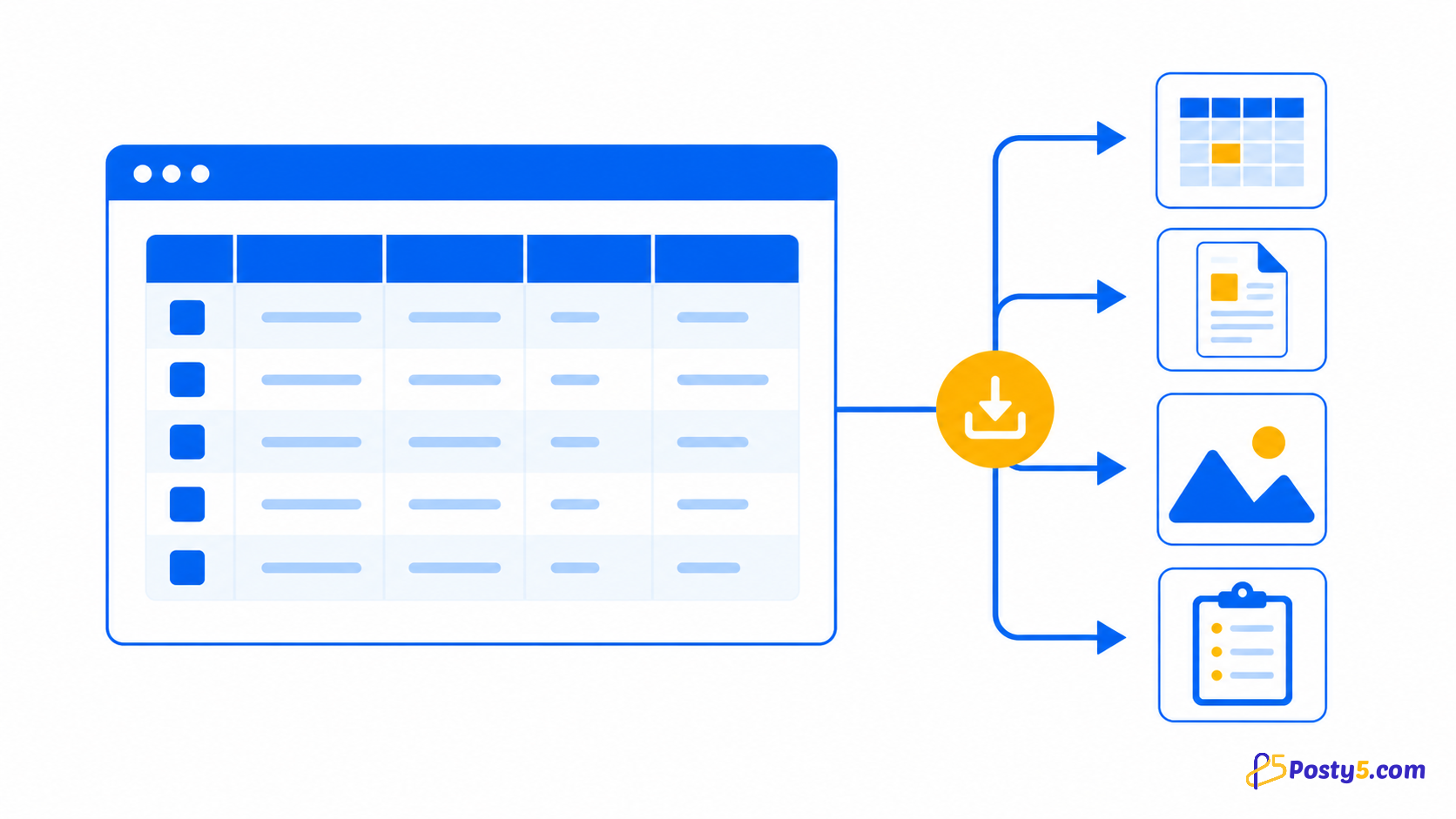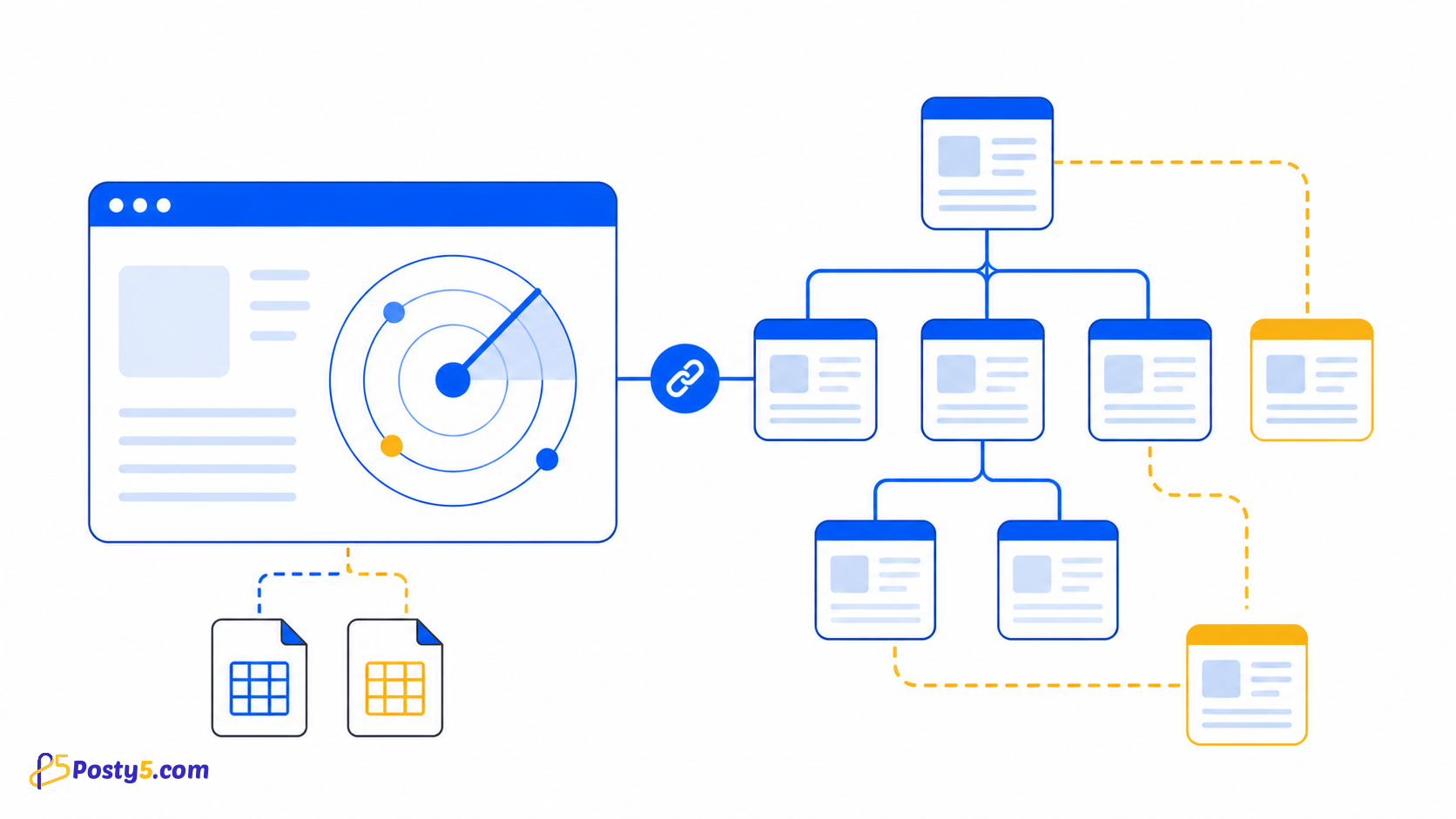
चुनी site को deep-scan कर internal/external links व्यवस्थित करके दो CSV export करें।
Extension install करें
केवल official Store listing से install करें और बार-बार उपयोग पर icon pin करें।
Chrome Web Store से install करेंकैसे उपयोग करें
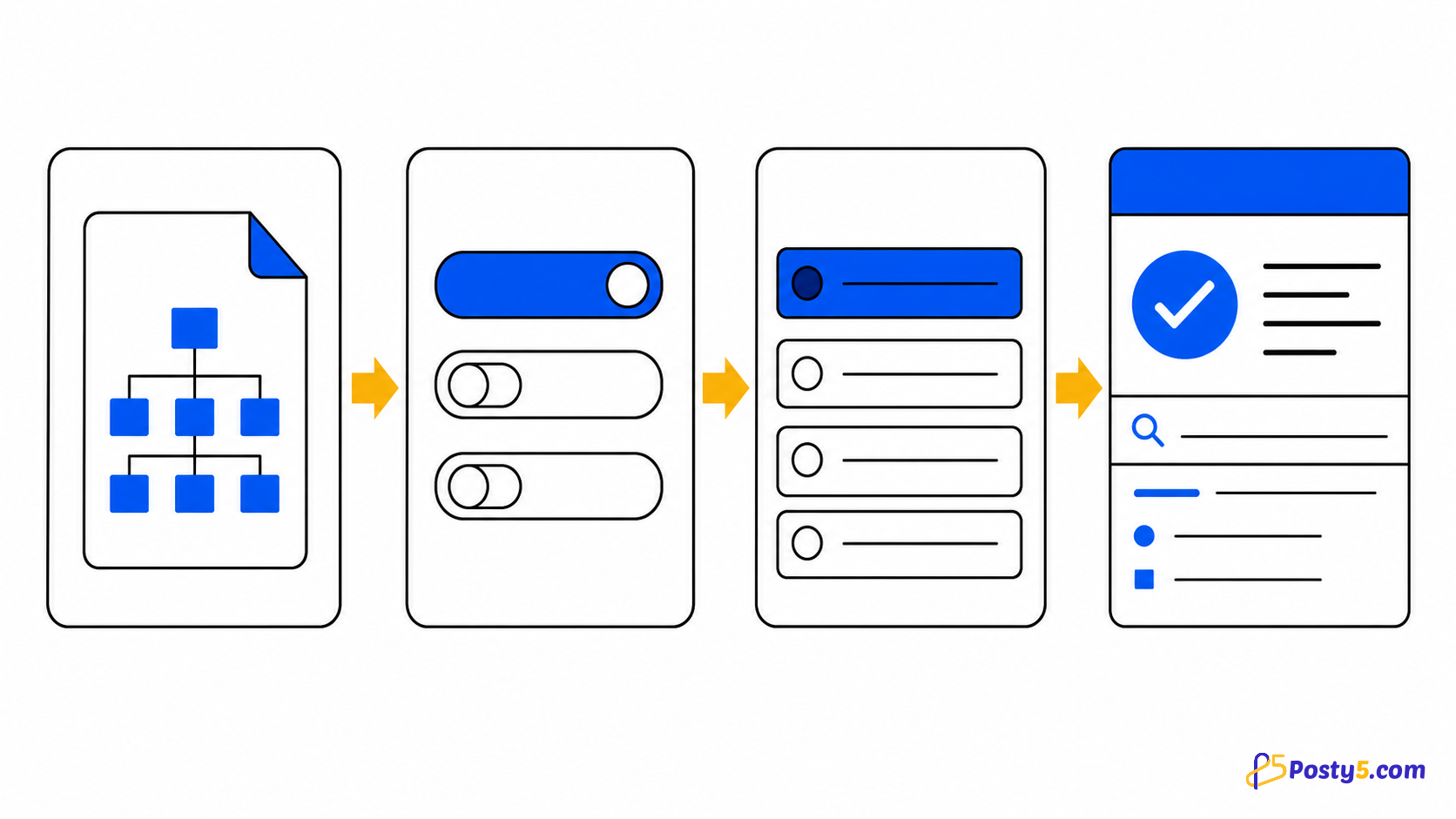
- HTTP(S) URL और settings डालें
- Scan शुरू कर queue/errors देखें
- Results जाँचकर CSV अलग export करें
Verified capabilities
चुनी site को deep-scan कर internal/external links व्यवस्थित करके दो CSV export करें।
- Deep internal-link scan
- Internal and external inventories
- Query and hash controls
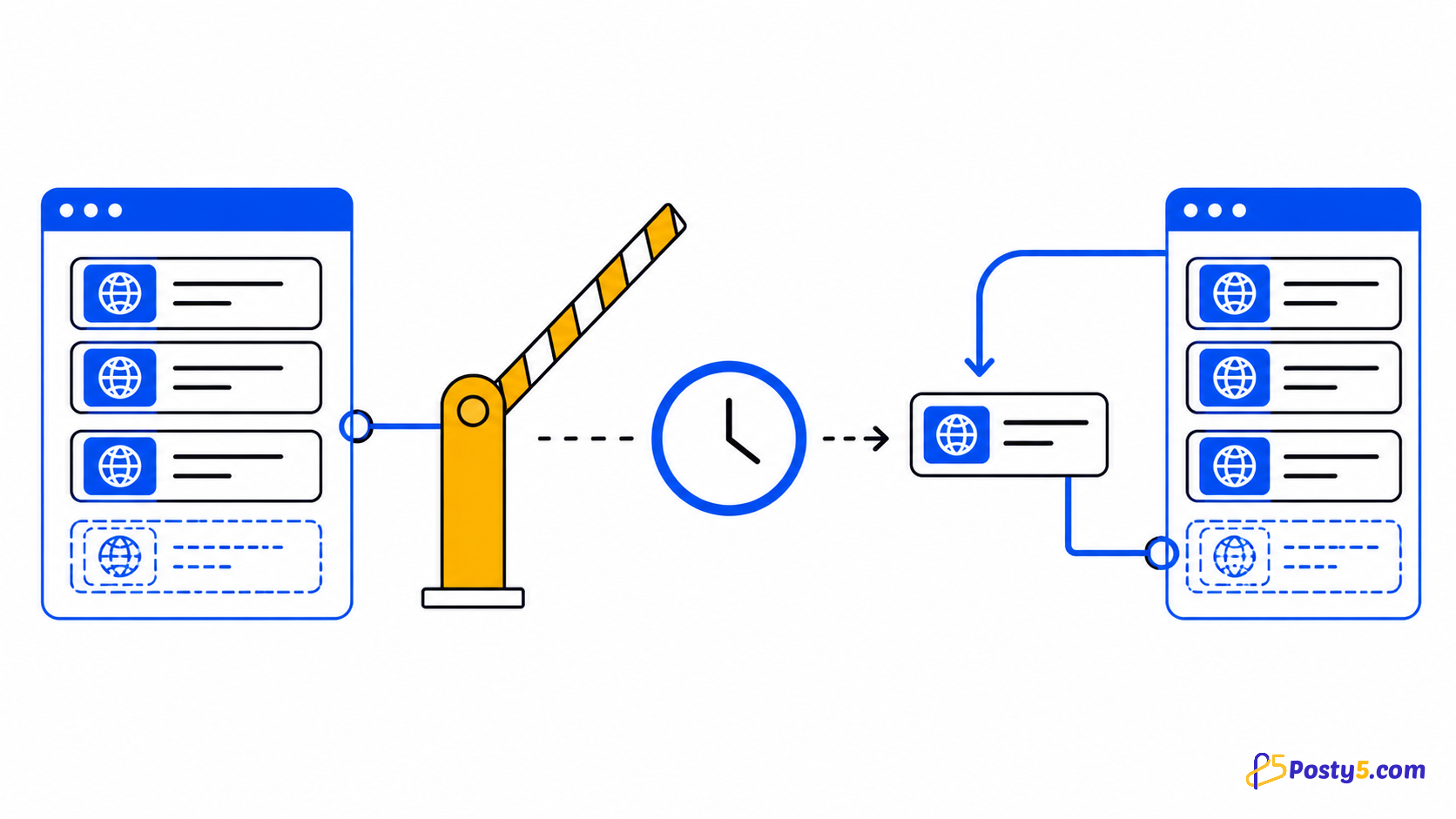
- Pause and resume
- Separate CSV exports
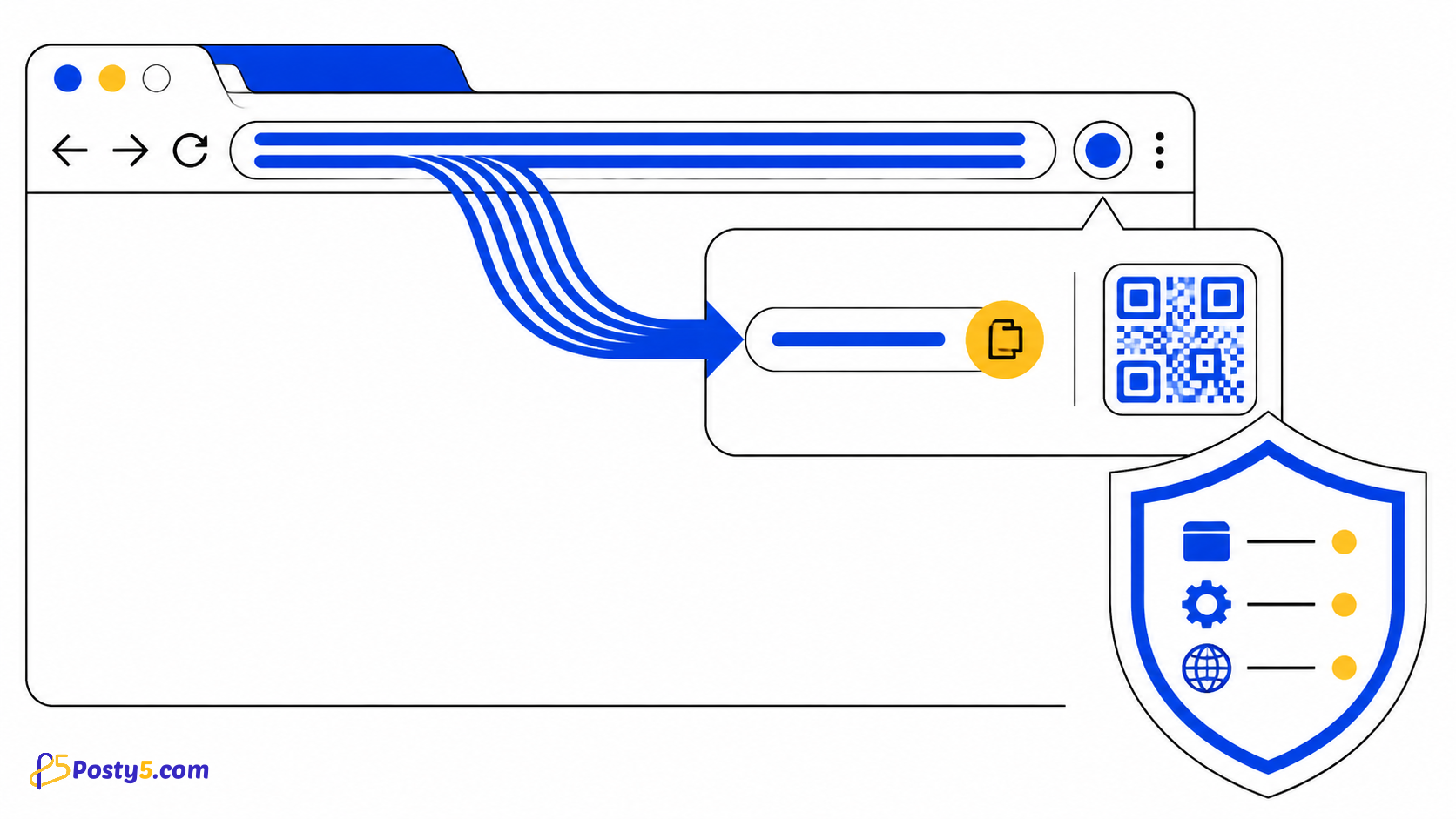
Privacy और permissions
State/results Chrome में local; Posty5 sign-in लग सकता है।
Limitations
यह HTML link inventory है; HTTP, redirect या broken-link checker नहीं।
आम सवाल
कैसे उपयोग करें
HTTP(S) URL और settings डालें Scan शुरू कर queue/errors देखें Results जाँचकर CSV अलग export करें
Limitations
यह HTML link inventory है; HTTP, redirect या broken-link checker नहीं।