
Event Landing Page Builder
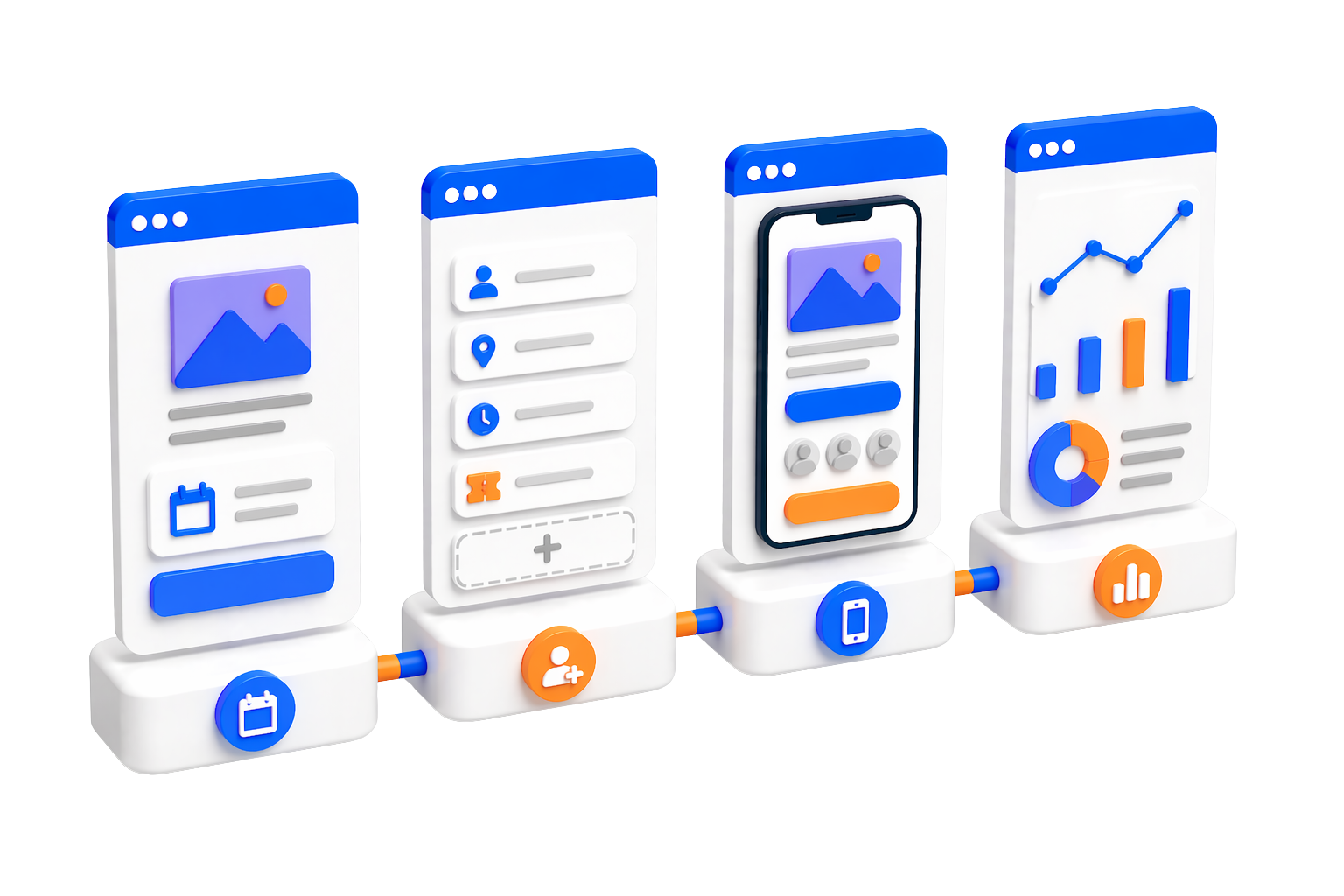
Create a professional event page with schedule, speakers, registration, and more — all in minutes.
21.5K
Number of Visits
Event Landing Page Builder
Create a professional event page with schedule, speakers, registration, and more — all in minutes.
What is an Event Landing Page?
An event landing page is a dedicated page for your event that provides all the details attendees need — date, venue, schedule, speakers, and registration.
 Event Details
Show event name, date, time, venue, and description in a clear and attractive layout.
 Event Schedule
Display a detailed schedule so attendees know exactly what to expect and when.
 Registration & RSVP
Add registration links or RSVP buttons so attendees can sign up easily.
 Custom Theme & Branding
Customize colors, fonts, and layout to match your event branding and style.
All Page Sections
Every section included in your Event Page
 Speakers & Guests
Showcase event speakers with photos, roles, and talk topics.
 Attendee Impressions
Collect and display attendee feedback and impressions on a public message wall.
 Event Contact
Display event organizer contact information for inquiries.
 Download as Image
Allow visitors to save the event page as a shareable image.
Who Uses Event Pages?
Ideal for anyone organizing events who needs a professional online presence.
 Conferences & Summits
Promote your conference with speaker bios, schedules, and registration links.
Festivals & ShowsShowcase your festival lineup, ticket info, and venue details beautifully.
 Workshops & Webinars
Share workshop topics, instructor info, and allow participants to register online.
Quick Start Guide
Get your page live in four simple steps.
Sign Up or Log In
Create a free account or log in to access the Page Builder from your dashboard.
Pick a Template
Browse our template library and choose the one that fits your needs — Social Hub, Link in Bio, Portfolio, and more.
Customize & Add Content
Edit text, upload images, set colors, and arrange sections using the visual editor. Preview your changes in real-time.
Publish & Share
Hit publish and get a shareable link instantly. Share it on social media, in emails, or anywhere you like.
Create Your Event Page Now
Build a beautiful event page and start promoting your event in minutes.
Get Started Free