
QR Code Generator Tool
Create high-quality, fully customizable QR codes with logos, frames, and colors for free, and download them instantly as PNG images.
21.5K
Number of Visits
How It Works
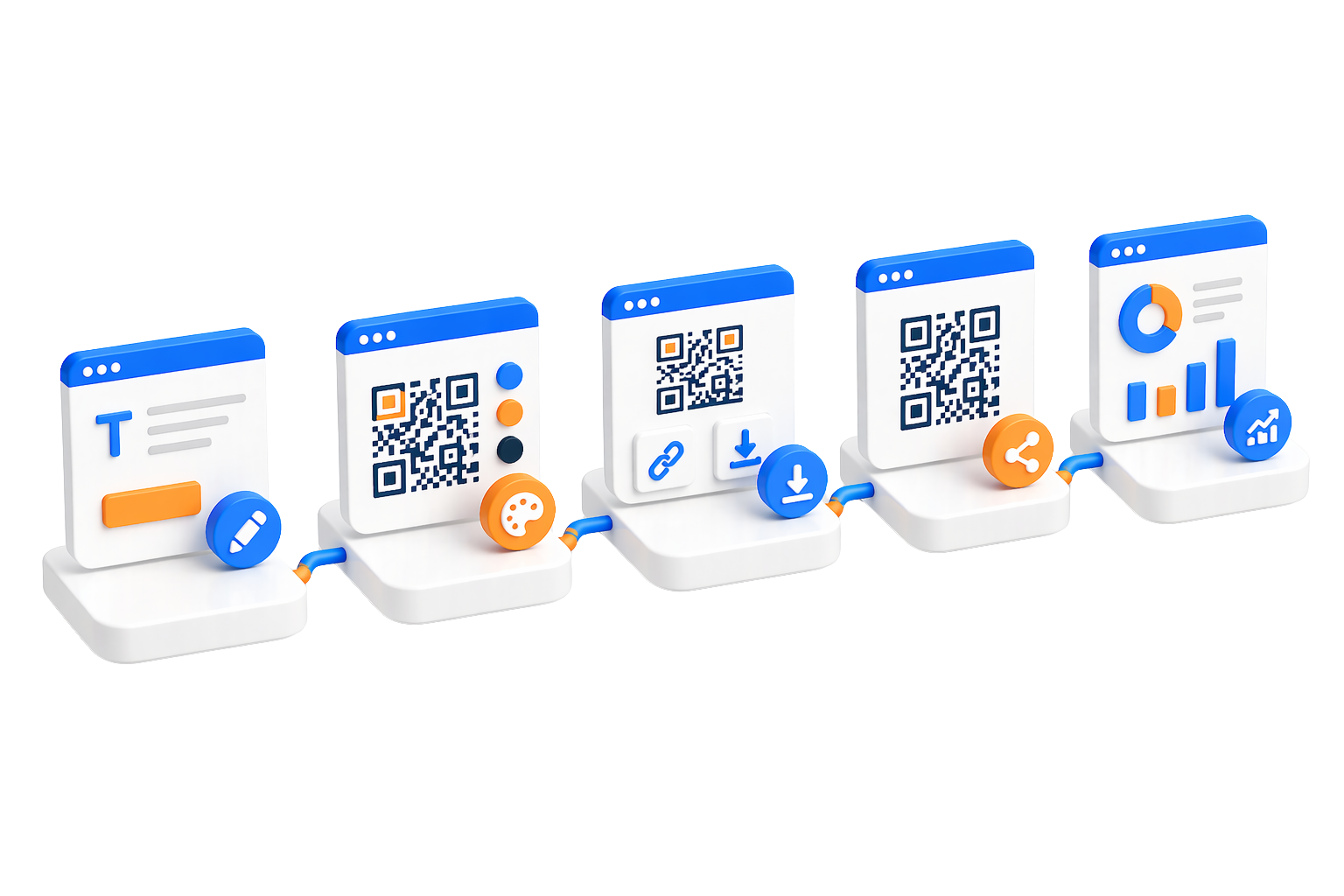
Create professional QR codes in three simple steps.
 Choose QR Code Type
Pick the type that fits what you want to share: free text, URL, email, Wi-Fi, SMS, call or geolocation.
 Customize Your Design
Personalize colors, add your logo, adjust patterns, and fine-tune settings to match your brand.
 Generate & Share
Download your QR code as a PNG image, or save it and share its Posty5 page. Saved codes stay in your dashboard, where you can manage them.
Key Features
Powerful features to create, customize, and manage your QR codes
Multiple QR Code TypesCreate QR codes for free text, URLs, emails, Wi-Fi networks, SMS messages, phone calls and geolocation.
Full CustomizationCustomize colors, patterns, quiet zones, add logos, and adjust every visual aspect to create unique QR codes that match your brand.
 Reusable Templates
Save your favorite designs as templates and reuse them for future QR codes to maintain consistent branding.
 A Page for Every Code
Each saved QR code gets its own Posty5 page that shows the code and lets visitors download it. Your dashboard counts how many times that page was opened; scans of a printed or downloaded image are not counted.
 Free PNG Download
Download your QR code as a PNG image in the size you choose. Downloading is free.
 Your Own Page Address
On the Starter plan or higher, choose the ID in your code's page link: lower-case letters, digits and hyphens, 4 to 32 characters.
Use Cases
Discover how QR codes can enhance your business and personal projects
 Business Cards & Networking
Print a URL code that opens your website or profile, or a call code that dials your number, so people reach you with one scan.
 WiFi Network Sharing
Guests join your Wi-Fi network with one scan instead of typing its name and password. Anyone who scans the code can read the password, so place it only where you would share the password itself.
 Marketing Campaigns
Point a URL code at your campaign page and print it on flyers, posters and ads.
 Event Management
Link to registration pages, schedules and feedback forms with URL codes, or share the venue's location with a geolocation code.
Product PackagingLink packaging to manuals, warranty registration and customer support pages.
 Restaurant Menus
Create contactless digital menus that can be updated instantly without reprinting. Perfect for restaurants and cafes.
Security & Privacy
Your safety and privacy are our top priorities
 Unsafe Link Checks
Before a URL code is saved, its address is checked against a public phishing blocklist and a list of blocked file types such as .exe, .zip and .rar. An address that fails is refused.
 Correctly Encoded Content
When you save a code, Posty5 builds the text inside it and escapes special characters, so a Wi-Fi password with a semicolon or an email subject with an ampersand opens exactly what you typed.
 Abuse Reporting System
Users can report suspicious or malicious QR codes. Our team reviews reports and takes action to maintain platform safety.
 Data Protection
Your QR code data is stored securely and never shared with third parties. You maintain full control over your content.
Limits & Best Practices
Guidelines to help you get the most out of our QR code generator.
 How Credits Work
Each QR code saved to your account uses credits from your plan; the Posty5 guide lists how many. Downloading the QR image is free.
 Design Best Practices
Maintain high contrast between foreground and background colors for better scanability.
Test your QR codes on multiple devices before printing to ensure they scan correctly.
Keep logos small (recommended 20% of QR code size) to maintain error correction capability.
Customization GuidelinesWhile customization is powerful, avoid extreme modifications that might affect scannability. Always test before deployment.
 Allowed URLs
A URL code must point at an address that starts with http:// or https://. An address that points straight at a file download such as .exe, .zip or .rar is refused.
Quick Start Guide
Create your first QR code in minutes.
Select Your QR Code Type
Choose free text, URL, email, Wi-Fi, SMS, call or geolocation, depending on what you want to share.
Enter Your Content
Enter the required details for your chosen QR code type. For URLs, paste your link; for WiFi, provide the network credentials.
Customize Your Design (Optional)
Personalize colors, add your logo, or choose a template. You can also use default settings for a quick start.
Generate and Download
Click generate to create your QR code. Download it as a PNG, or manage your saved codes from your dashboard.