
QR Code Generator Tool
Create high-quality, fully customizable QR codes with logos, frames, and colors for free, and download them instantly as PNG images.
21.5K
Number of Visits
How It Works
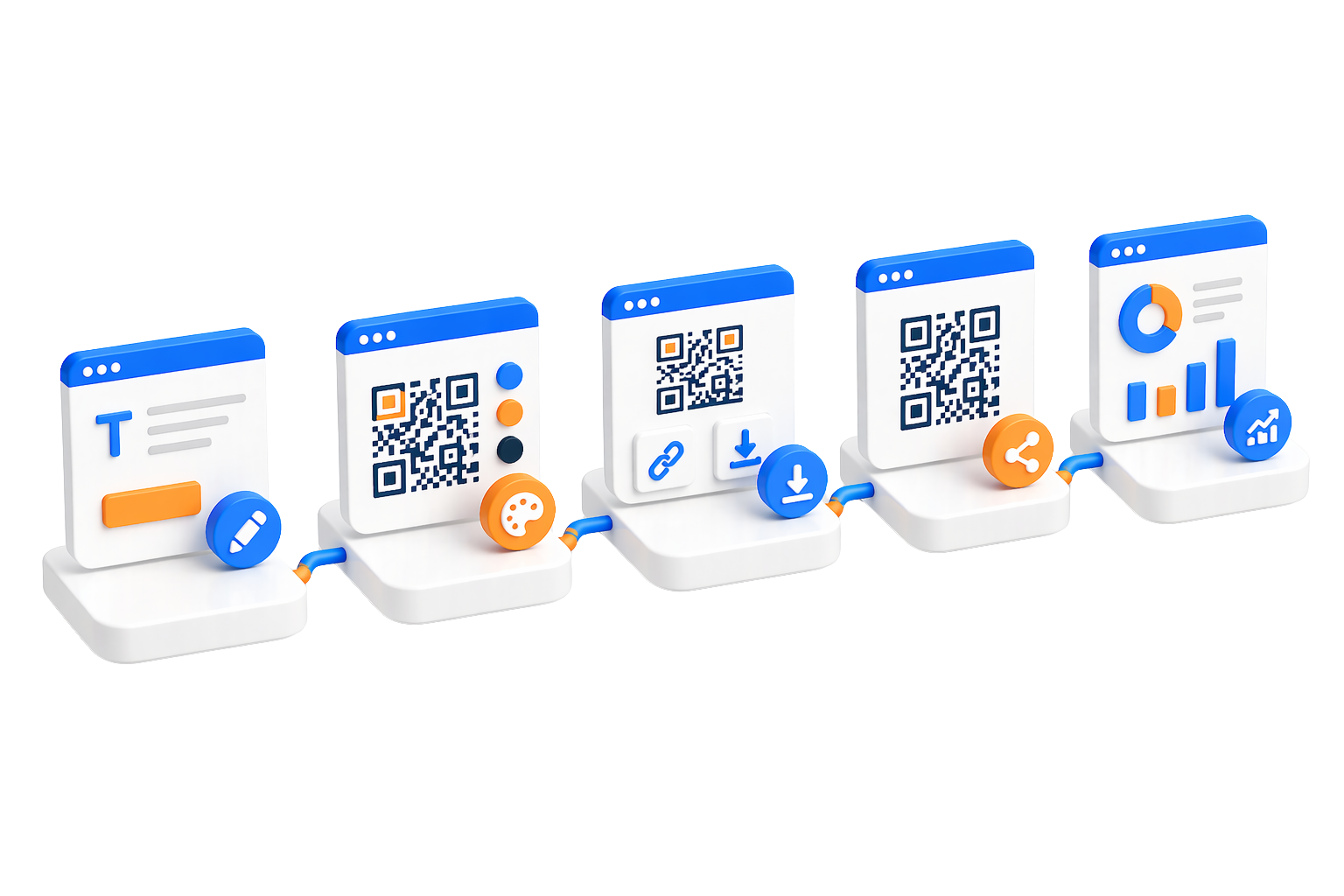
Create professional QR codes in three simple steps.
 Choose QR Code Type
qrCodeGenerator.landing.howItWorks.step1.descriptionSevenTypes
 Customize Your Design
Personalize colors, add your logo, adjust patterns, and fine-tune settings to match your brand.
 Generate & Share
qrCodeGenerator.landing.howItWorks.step3.descriptionNoScanCount
Key Features
Powerful features to create, customize, and manage your QR codes
Multiple QR Code TypesqrCodeGenerator.landing.features.multipleTypes.descriptionSevenTypes
Full CustomizationCustomize colors, patterns, quiet zones, add logos, and adjust every visual aspect to create unique QR codes that match your brand.
 Reusable Templates
Save your favorite designs as templates and reuse them for future QR codes to maintain consistent branding.
 qrCodeGenerator.landing.features.sharePage.title
qrCodeGenerator.landing.features.sharePage.description
 qrCodeGenerator.landing.features.pngDownload.title
qrCodeGenerator.landing.features.pngDownload.description
 qrCodeGenerator.landing.features.customId.title
qrCodeGenerator.landing.features.customId.description
Use Cases
Discover how QR codes can enhance your business and personal projects
 Business Cards & Networking
qrCodeGenerator.landing.useCases.businessCards.descriptionUrlOrCall
 WiFi Network Sharing
qrCodeGenerator.landing.useCases.wifiSharing.descriptionScanToJoin
 Marketing Campaigns
qrCodeGenerator.landing.useCases.marketing.descriptionCampaignPage
 Event Management
qrCodeGenerator.landing.useCases.events.descriptionEventLinks
Product PackagingqrCodeGenerator.landing.useCases.products.descriptionSupportLinks
 Restaurant Menus
Create contactless digital menus that can be updated instantly without reprinting. Perfect for restaurants and cafes.
Security & Privacy
Your safety and privacy are our top priorities
 qrCodeGenerator.landing.security.blocklistCheck.title
qrCodeGenerator.landing.security.blocklistCheck.description
 qrCodeGenerator.landing.security.encodedContent.title
qrCodeGenerator.landing.security.encodedContent.description
 Abuse Reporting System
Users can report suspicious or malicious QR codes. Our team reviews reports and takes action to maintain platform safety.
 Data Protection
Your QR code data is stored securely and never shared with third parties. You maintain full control over your content.
Limits & Best Practices
Guidelines to help you get the most out of our QR code generator.
 qrCodeGenerator.landing.limits.credits.title
qrCodeGenerator.landing.limits.credits.description
 Design Best Practices
Maintain high contrast between foreground and background colors for better scanability.
Test your QR codes on multiple devices before printing to ensure they scan correctly.
Keep logos small (recommended 20% of QR code size) to maintain error correction capability.
Customization GuidelinesWhile customization is powerful, avoid extreme modifications that might affect scannability. Always test before deployment.
 qrCodeGenerator.landing.limits.urlRules.title
qrCodeGenerator.landing.limits.urlRules.description
Quick Start Guide
Create your first QR code in minutes.
Select Your QR Code Type
qrCodeGenerator.landing.quickStart.step1.descriptionSevenTypes
Enter Your Content
Enter the required details for your chosen QR code type. For URLs, paste your link; for WiFi, provide the network credentials.
Customize Your Design (Optional)
Personalize colors, add your logo, or choose a template. You can also use default settings for a quick start.
Generate and Download
qrCodeGenerator.landing.quickStart.step4.descriptionNoScanCount