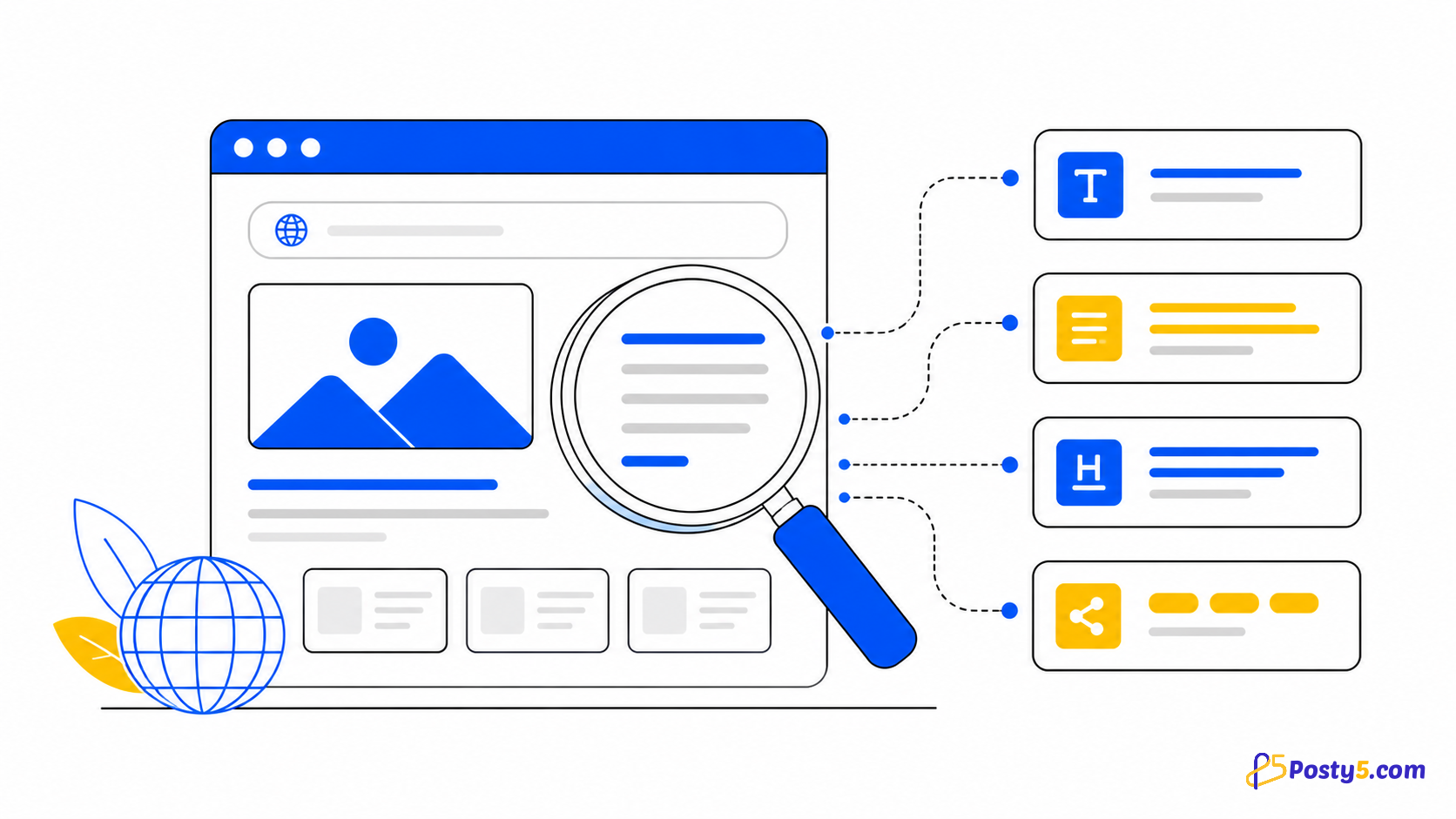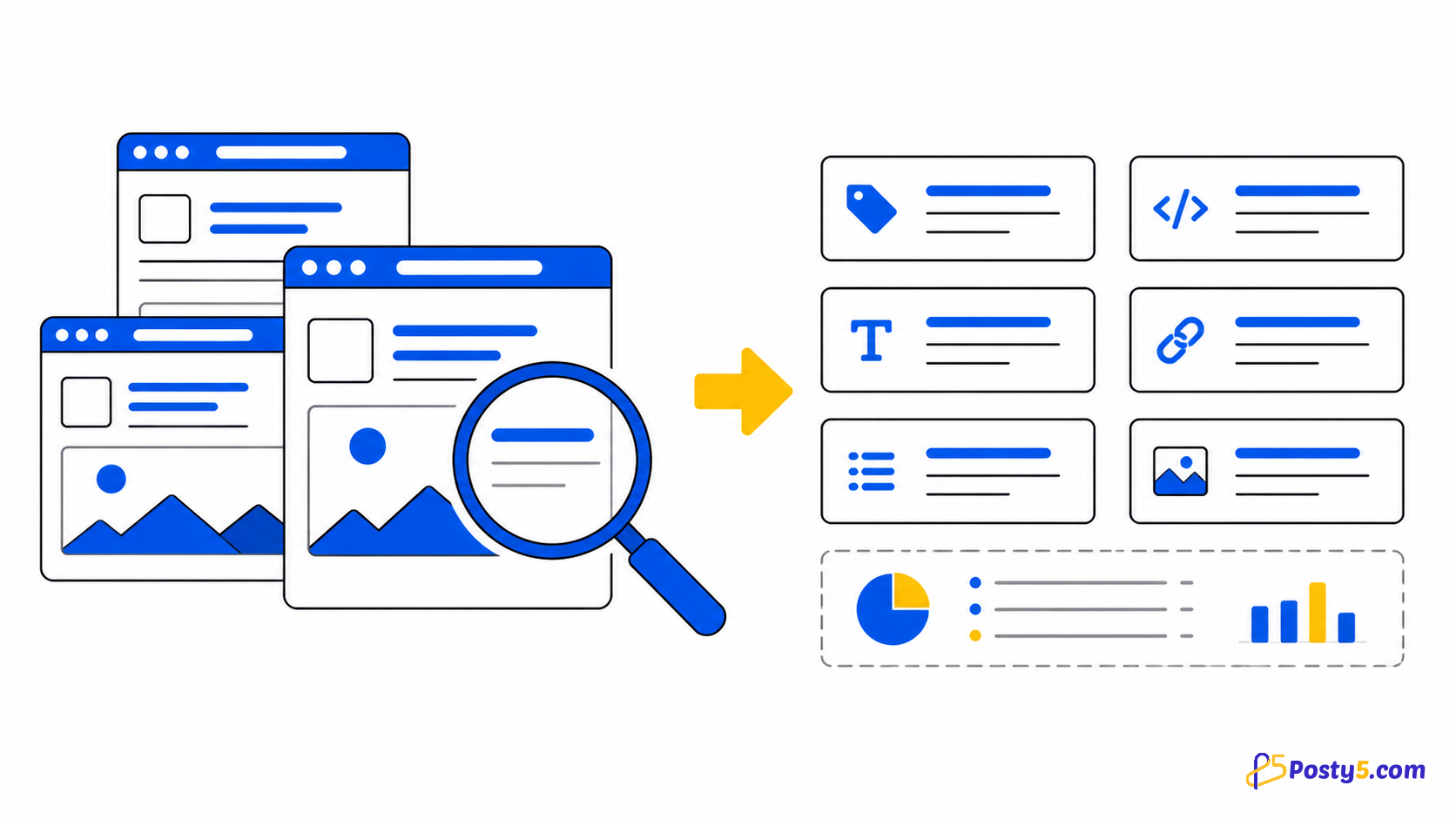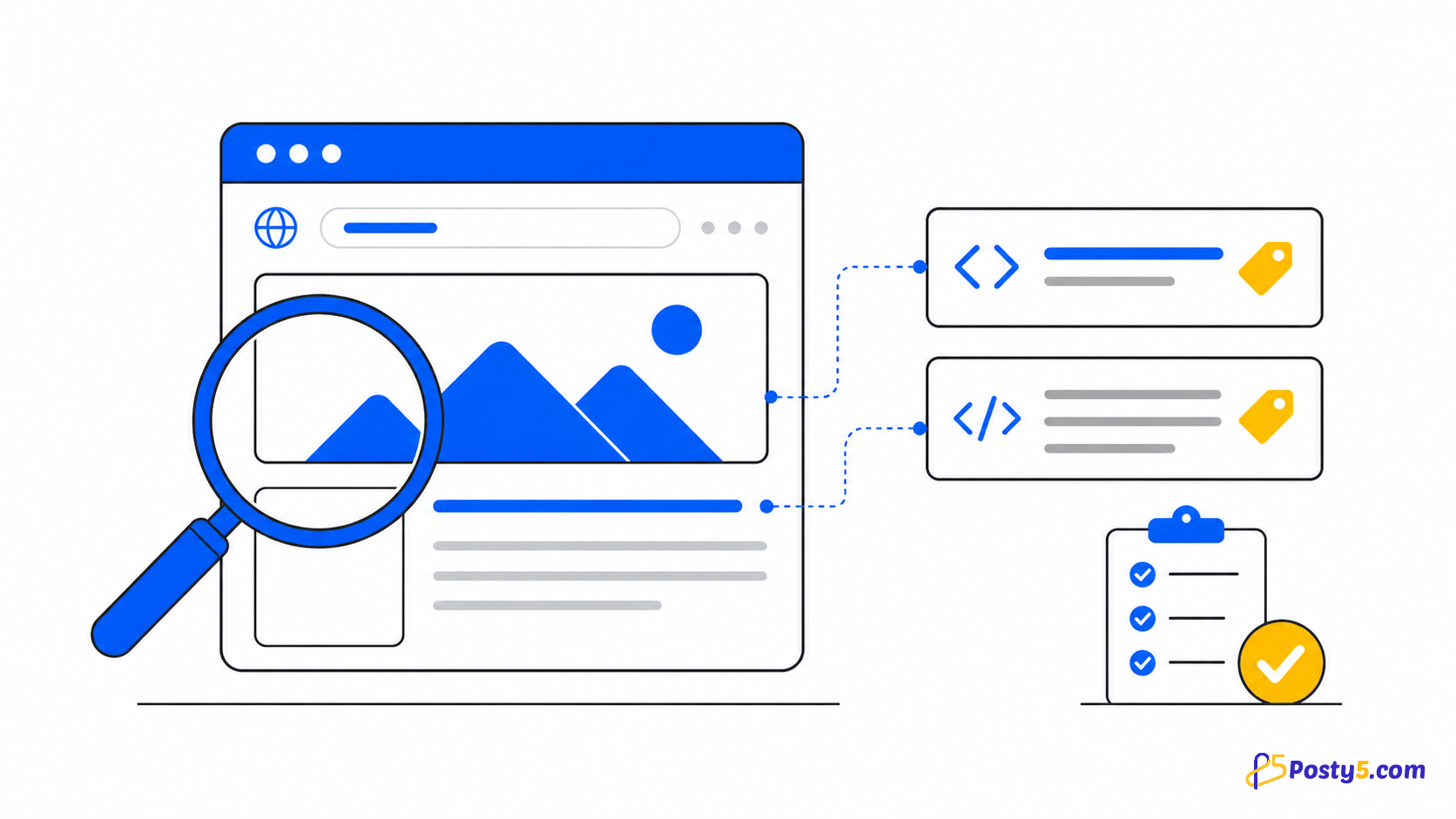
When a shared link shows an old title, a missing description or the wrong image, start by checking what the page currently declares. Posty5 reads the title, description, keywords, preview image and tags from one public URL without requiring an account.
Check the page in three steps
- Copy the complete address of the page you want to inspect.
- Open Posty5 SEO Tags Extractor, paste the address and select Analyze.
- Compare the returned title, description, image, keywords and tags with what you expected the page to declare.
How to read each field
- Title: the page's declared title.
- Description: the summary supplied by the page.
- Image: the preview image found in the metadata.
- Keywords and tags: terms returned by the page or a supported platform.
A missing value means the extractor did not return that field. It does not prove how every search engine or messaging app will finally display the link.
If the preview still looks wrong
- Confirm that you analyzed the final public URL, not an editor, preview or login address.
- Update the page's metadata in the system that publishes the page, then publish the change.
- Analyze the final URL again and verify that Posty5 now reads the expected fields.
- If another service still shows an older preview, it may have cached an earlier version; refresh it through that service's own tools where available.
Download a reference copy
Use the download action to save the result as JSON. This gives a developer or content editor a structured snapshot of the fields returned at that moment.
Know the boundary
This check covers declared metadata for one URL. It does not test page speed, backlinks, rankings, structured data, canonical tags, hreflang, robots rules or an entire sitemap. Read the complete extractor guide for the platform-specific fields.
Frequently asked questions
What is a meta description?
It is a summary declared in the page's metadata. Other services decide whether and how to use it.
Can I check a page I do not own?
You can submit a public URL. Respect the site and use the returned public metadata responsibly.
Do I need an account?
No. The public extractor route does not require one.
Can I download the result?
Yes. The visible download action saves a JSON file.