
二维码生成器工具
Create high-quality, fully customizable QR codes with logos, frames, and colors for free, and download them instantly as PNG images.
21.5K
访问次数
运作方式
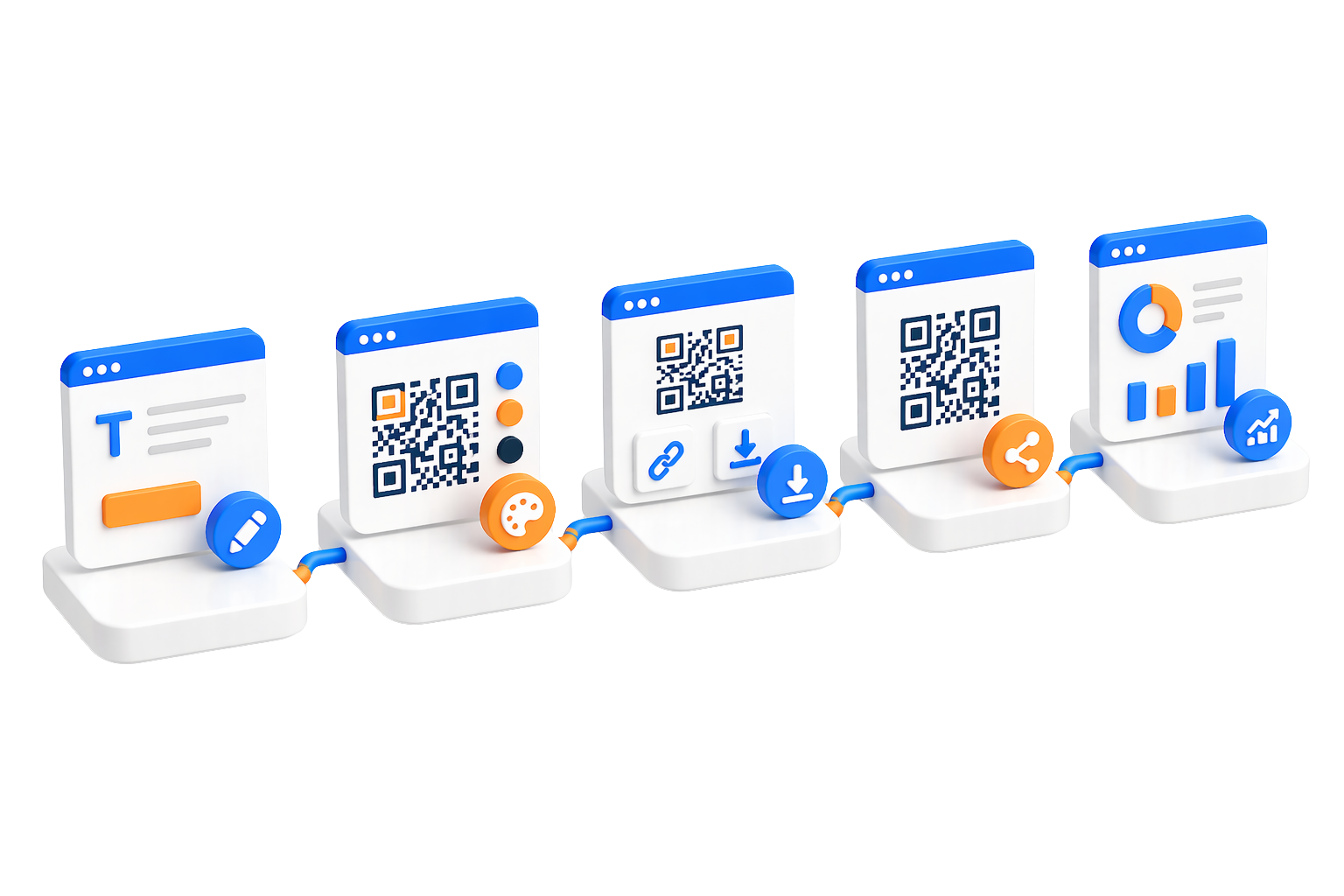
只需三个简单步骤即可创建专业二维码。
 选择二维码类型
qrCodeGenerator.landing.howItWorks.step1.descriptionSevenTypes
 自定义外观设计
您可以自定义颜色、添加徽标、调整图案,并微调各项设置以展示您的品牌形象。
 生成并分享
生成并分享qrCodeGenerator.landing.howItWorks.step3.descriptionNoScanCount
核心功能
功能强大,助您轻松创建、自定义和管理二维码
多种二维码类型qrCodeGenerator.landing.features.multipleTypes.descriptionSevenTypes
全方位自定义您可以自定义颜色、图案和边距,添加徽标,并调整每一个视觉细节,打造出符合您品牌形象的独特二维码。
 可复用的模板
将您喜爱的设计保存为模板,并在以后的二维码中重复使用,以保持品牌形象的一致性。
 qrCodeGenerator.landing.features.sharePage.title
qrCodeGenerator.landing.features.sharePage.description
 qrCodeGenerator.landing.features.pngDownload.title
qrCodeGenerator.landing.features.pngDownload.description
 qrCodeGenerator.landing.features.customId.title
qrCodeGenerator.landing.features.customId.description
应用案例
探索二维码如何助力您的业务和个人项目
 名片与人脉拓展
qrCodeGenerator.landing.useCases.businessCards.descriptionUrlOrCall
 WiFi 网络共享
qrCodeGenerator.landing.useCases.wifiSharing.descriptionScanToJoin
 营销推广活动
qrCodeGenerator.landing.useCases.marketing.descriptionCampaignPage
 活动管理
活动管理qrCodeGenerator.landing.useCases.events.descriptionEventLinks
产品包装qrCodeGenerator.landing.useCases.products.descriptionSupportLinks
 餐厅电子菜单
创建无需接触的数字菜单,支持实时在线更新,省去重新打印的烦恼。非常适合各类餐饮店。
安全与隐私保护
我们始终将您的安全和隐私放在首位。
 qrCodeGenerator.landing.security.blocklistCheck.title
qrCodeGenerator.landing.security.blocklistCheck.description
 qrCodeGenerator.landing.security.encodedContent.title
qrCodeGenerator.landing.security.encodedContent.description
 滥用举报系统
用户可以举报可疑或恶意的二维码。我们的团队将审核举报并采取行动,以维护平台的安全性。
 数据保护
数据保护您的二维码数据被安全存储,绝不会与第三方共享。您对自己的内容拥有完全的控制权。
限制与最佳实践
这些指南将帮助您充分利用我们的二维码生成器。
 qrCodeGenerator.landing.limits.credits.title
qrCodeGenerator.landing.limits.credits.description
 设计最佳实践
确保前景和背景颜色之间有较高的对比度,以便更顺畅地进行扫描。
在打印之前,请在多种设备上测试您的二维码,确保其扫描无误。
保持徽标尺寸适中(建议不超过二维码尺寸的 20%),以免影响纠错功能。
自定义指南虽然自定义功能很强大,但请避免可能影响扫描的极端修改。发布前请务必进行测试。
 qrCodeGenerator.landing.limits.urlRules.title
qrCodeGenerator.landing.limits.urlRules.description
快速上手指南
只需几分钟,即可开始制作您的第一个二维码。
选择二维码类型
qrCodeGenerator.landing.quickStart.step1.descriptionSevenTypes
输入具体内容
根据您选择的二维码类型填写所需信息。网址请粘贴链接,WiFi 请输入网络详情。
自定义外观(可选)
您可以调整颜色、添加徽标或选择模板。直接使用默认设置可以更快完成制作。
生成并下载
qrCodeGenerator.landing.quickStart.step4.descriptionNoScanCount