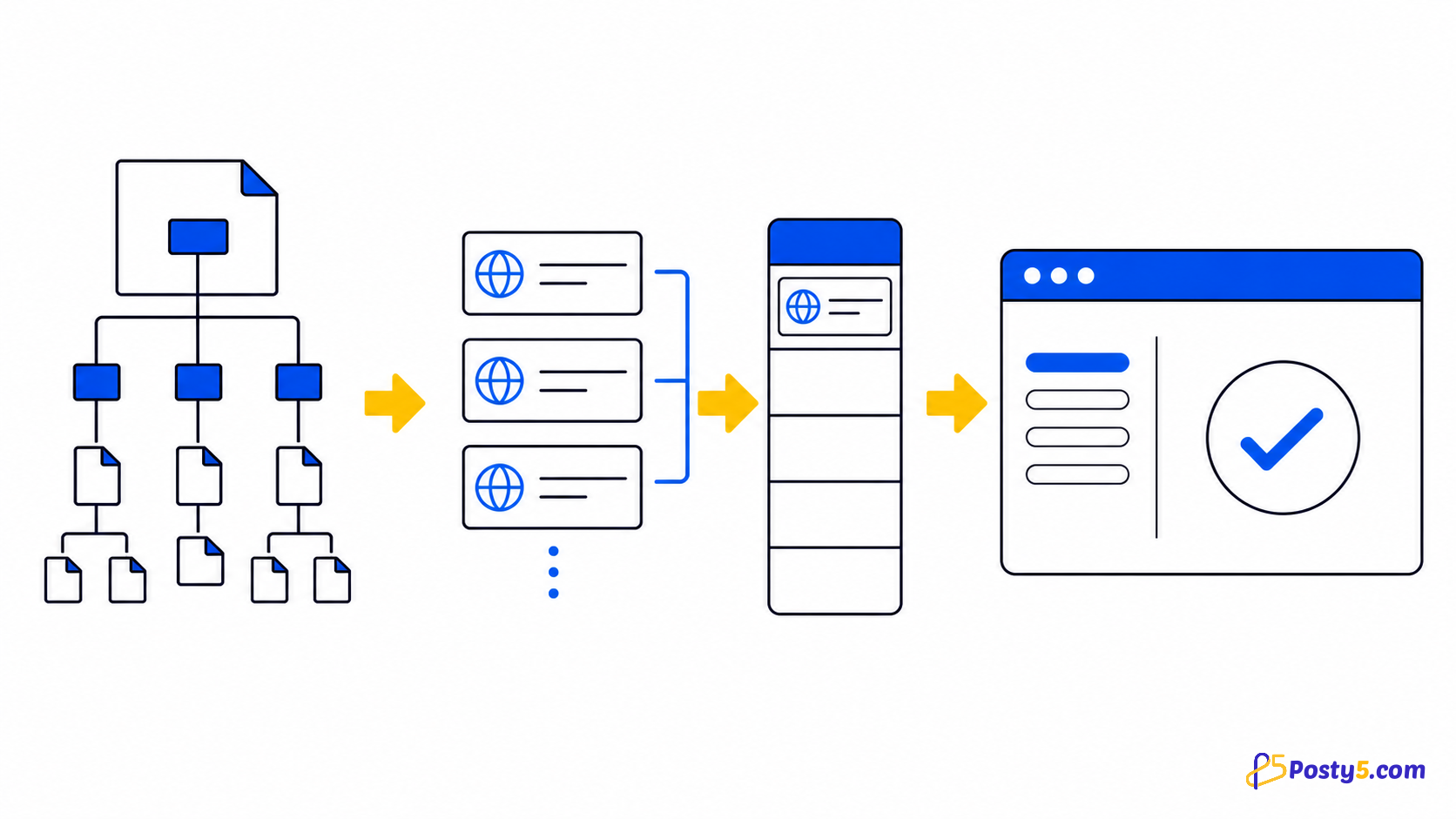
HTML table বা row-তে right-click করে আটটি output-এ export করুন।
Extension install
শুধু official Store listing থেকে install করুন এবং নিয়মিত ব্যবহারে icon pin করুন।
Chrome Web Store থেকে installব্যবহারের উপায়
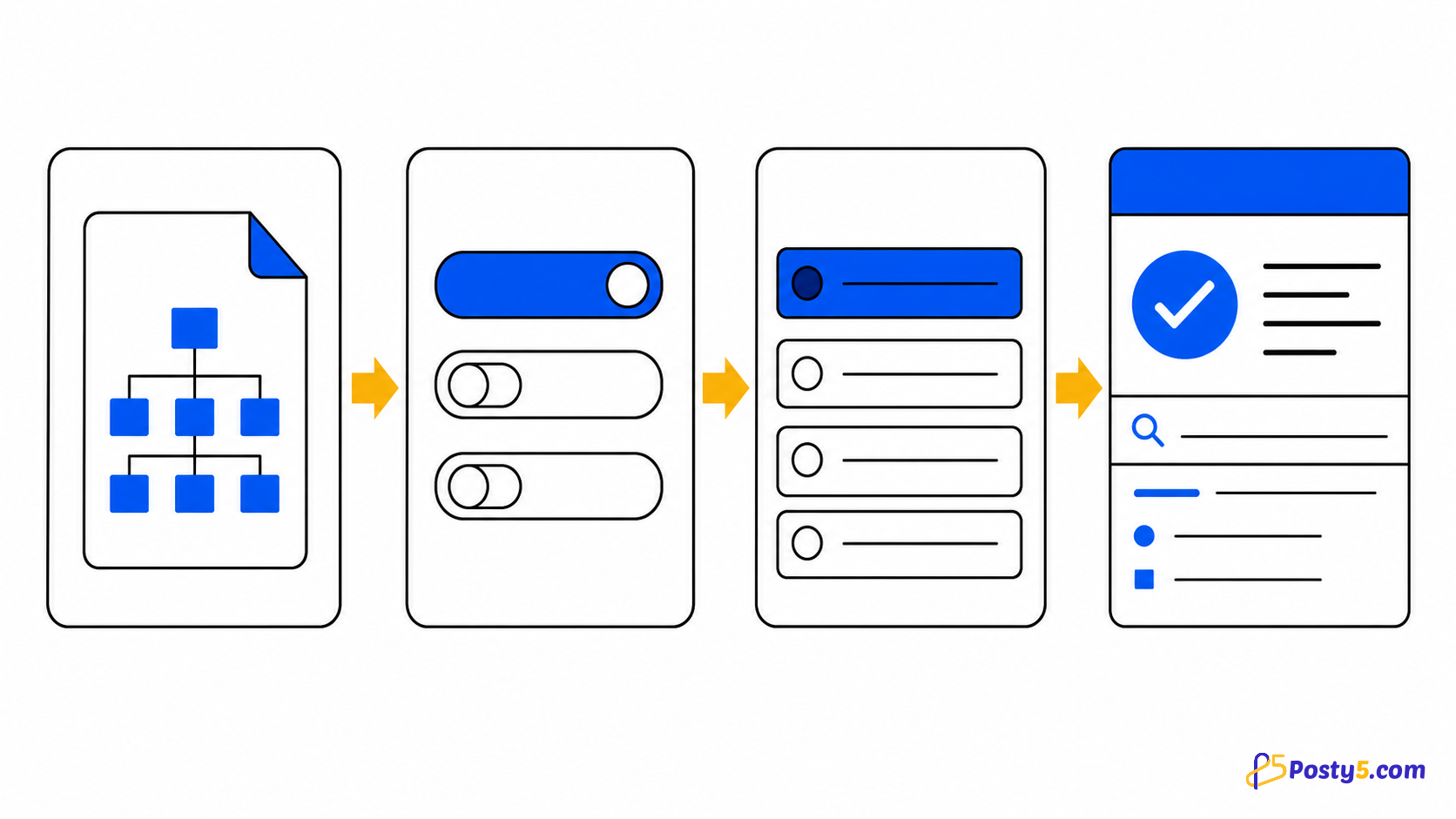
- Table page-এ right-click করুন
- Table/row ও format বাছুন
- File খুলুন, print বা paste করুন
Verified capabilities
HTML table বা row-তে right-click করে আটটি output-এ export করুন।
- Whole table or one row
- Excel · CSV · Word · HTML · Text · PNG
- Print and rich clipboard copy
- Paginated DataTables
- Local processing
Privacy ও permissions
Checked code local process করে; account, analytics বা remote processing নেই।
সীমাবদ্ধতা
Existing table export করে; OCR, formula, live sync বা PDF নয়।
সাধারণ প্রশ্ন
ব্যবহারের উপায়
Table page-এ right-click করুন Table/row ও format বাছুন File খুলুন, print বা paste করুন
সীমাবদ্ধতা
Existing table export করে; OCR, formula, live sync বা PDF নয়।