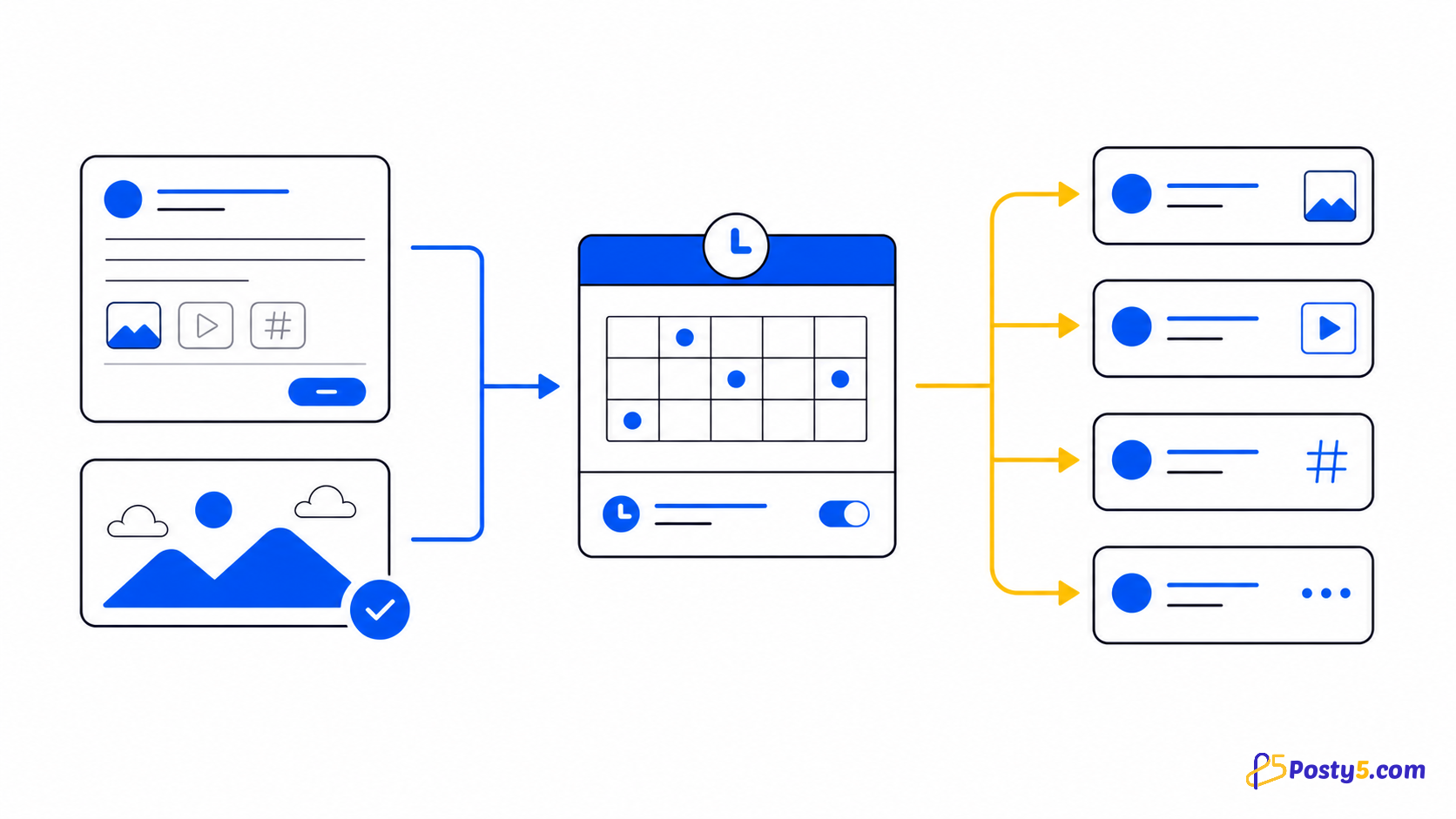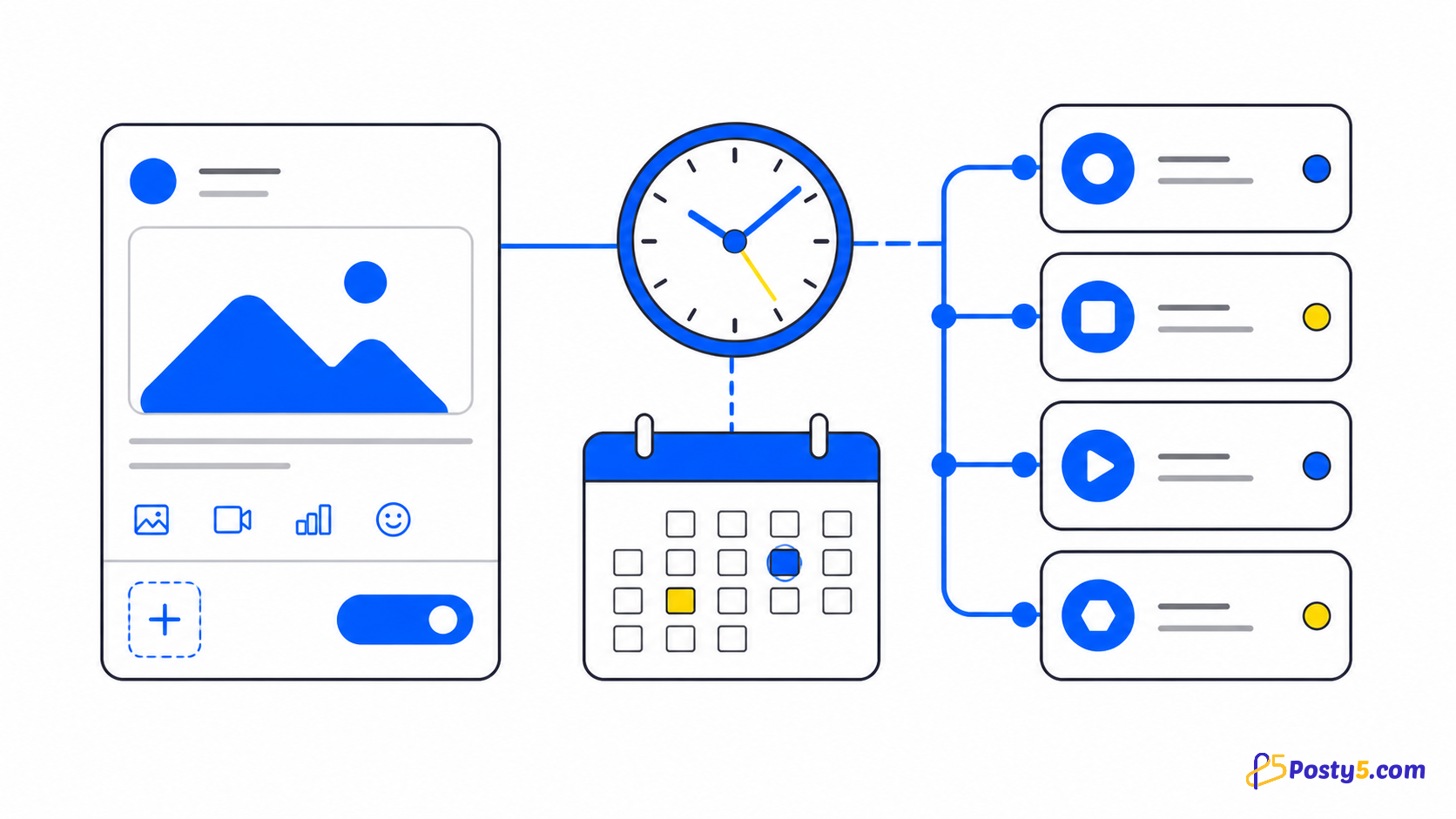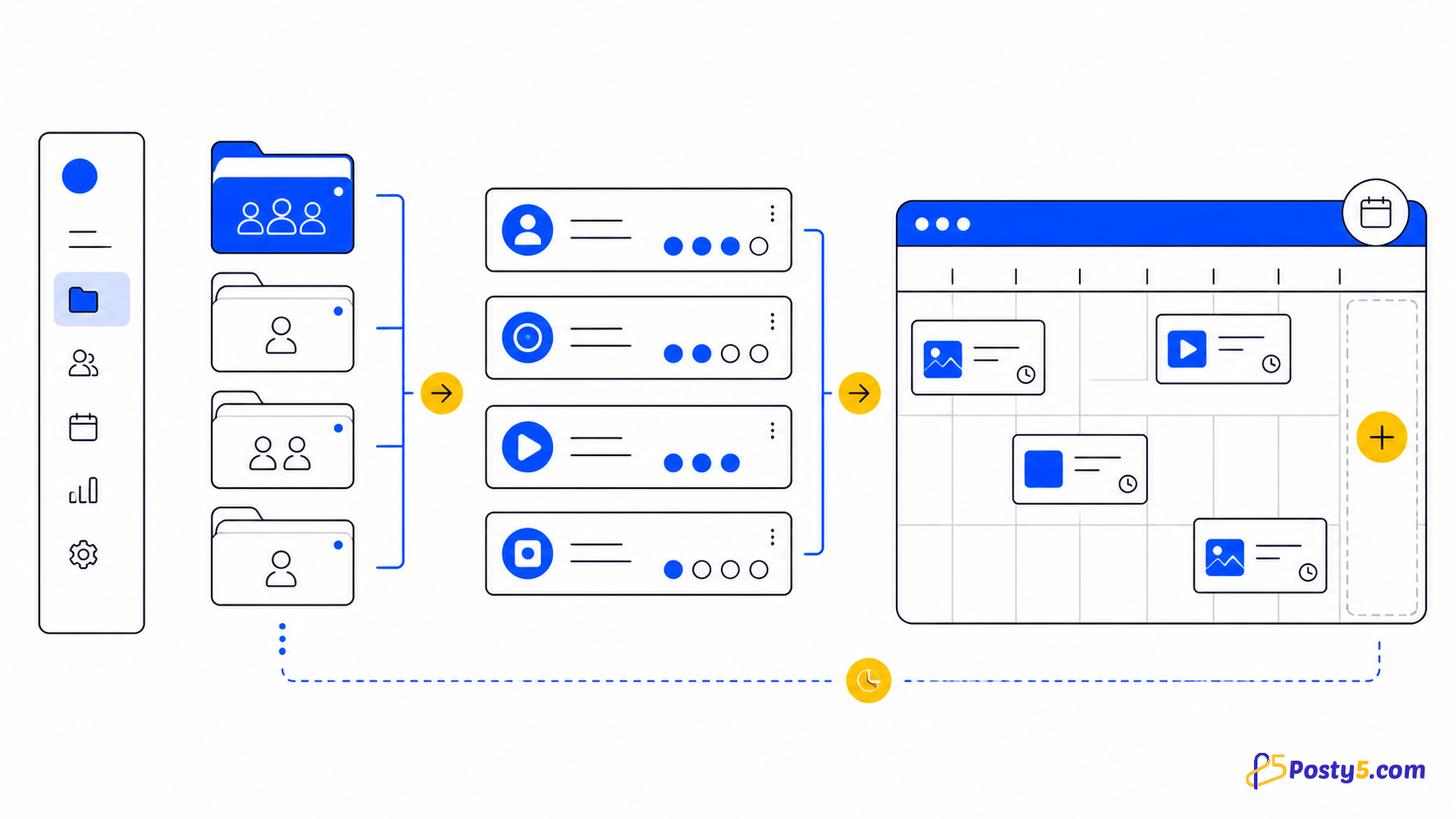
Workspace एक brand या client के accounts को group करता है और नया post बनाते समय destinations को auto-select करता है।
Accounts को workspace में group करें
Workspace एक brand या client के accounts को group करता है और नया post बनाते समय destinations को auto-select करता है।
- हर account को उसी platform की अपनी sign-in screen से connect करें। Facebook Pages उन profiles में से चुने जाते हैं जिन्हें वह login manage करता है; Instagram किसी Facebook Page के ज़रिए, या Business और Creator accounts के लिए सीधे Instagram Login से connect होता है; Threads अपना login उपयोग करता है; X connect करने के लिए Pro plan या उससे ऊपर चाहिए।
- Workspace एक brand या client के accounts को group करता है और नया post बनाते समय destinations को auto-select करता है।
- Uploaded video, direct video URL या supported platform video URL चुनें। केवल वह media दोबारा publish करें जिसका अधिकार आपके पास है।
हर platform status पढ़ें
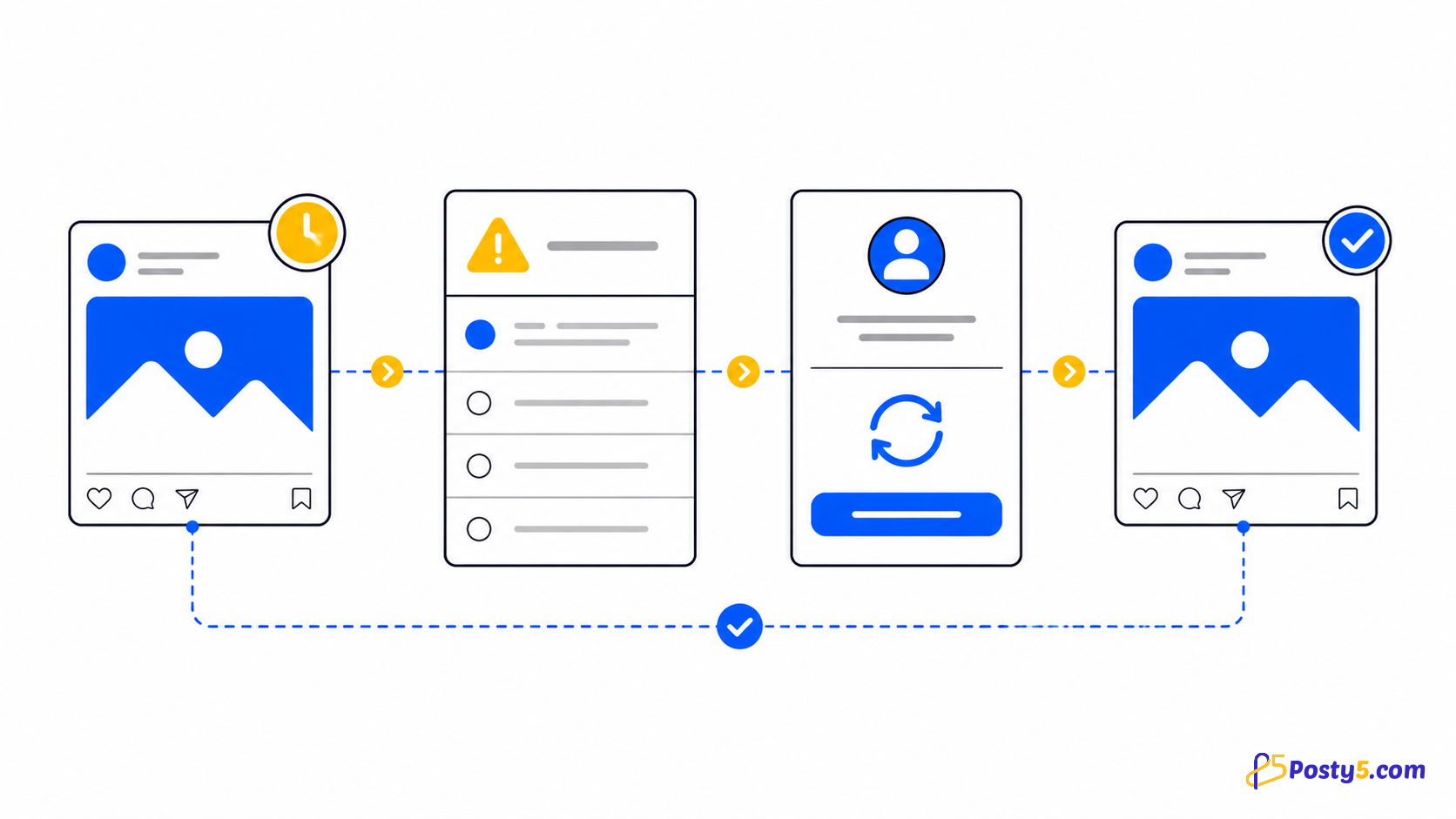
हर platform का status स्वतंत्र है; एक done हो सकता है और दूसरा pending, processing, processingInPlatform, retrying या error में।
महत्वपूर्ण सीमाएँ
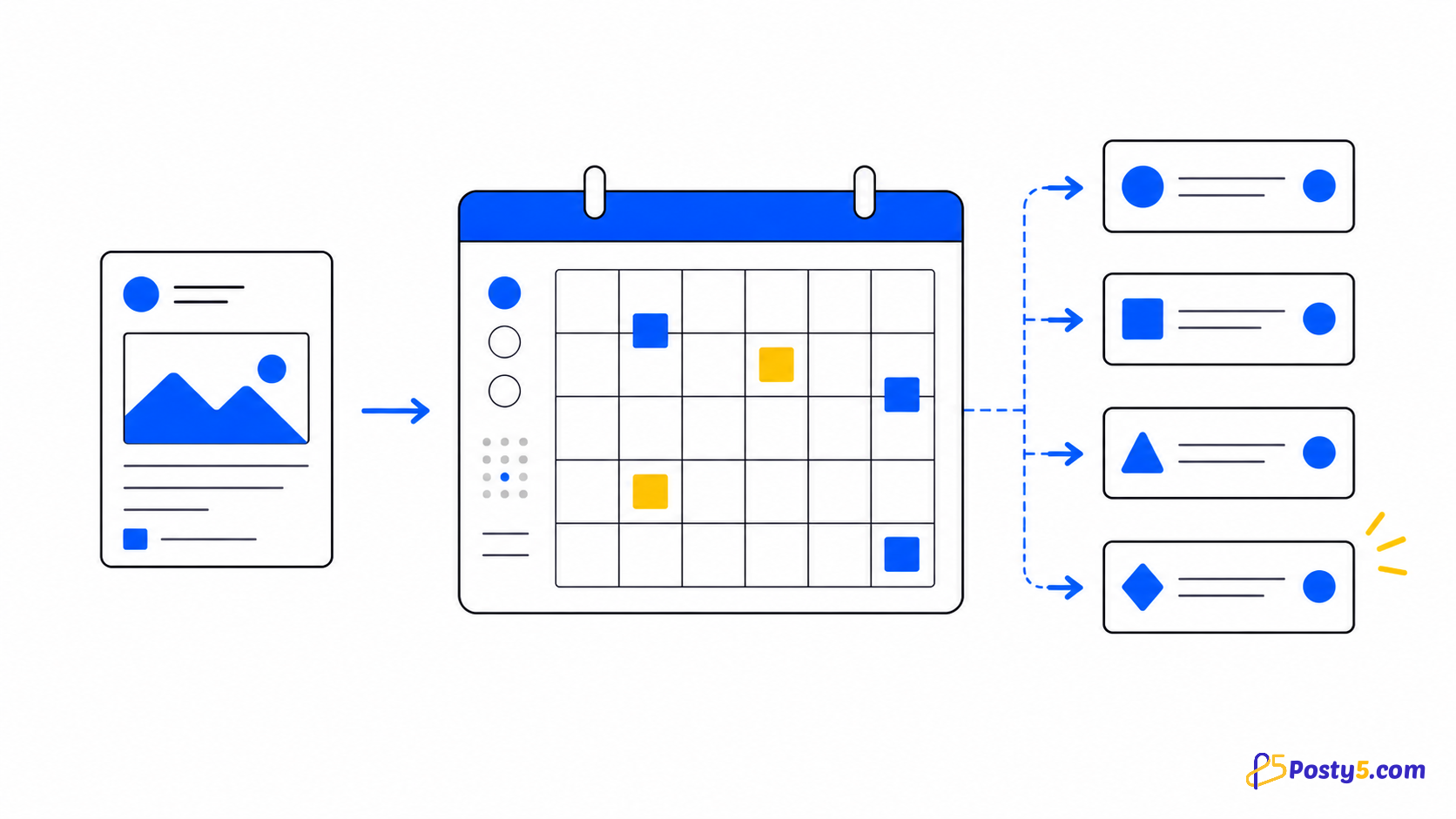
Posty5 में month view वाला content calendar और CSV से bulk scheduling है, जो एक batch में 50 posts तक बनाती है और हर scheduling की तरह Pro plan या उससे ऊपर माँगती है। इसमें evergreen recycling, best-time suggestions या cross-platform analytics suite नहीं है: engagement numbers Threads और X posts के लिए दिखते हैं, और tracked links हर platform के clicks गिनते हैं।
सामान्य प्रश्न
Workspace क्या करता है?
Workspace एक brand या client के accounts को group करता है और नया post बनाते समय destinations को auto-select करता है।
Account authenticationExpired क्यों हो गया?
Account states active, inactive और authenticationExpired हैं। Reconnect में वही platform identity उपयोग करें।
क्या एक video एक साथ कई platforms पर जा सकता है?
हाँ। एक video हर उस चुने गए account पर जाता है जो video स्वीकार करता है: YouTube, TikTok, Facebook, Instagram, Threads और, Pro plan या उससे ऊपर पर, X। हर destination का अपना status रहता है, और हर platform की length limit लागू रहती है।
अगर सिर्फ़ एक platform fail हो जाए तो क्या होगा?
Source URL ठीक करें, affected platform देखें और source व connection तैयार होने पर ही retry करें।
Social Media Publisher guides जारी रखें
- → Posty5 Social Media Publisher: एक पोस्ट, छह प्लेटफ़ॉर्म
- → Social post publish नहीं हुआ? हर platform status पढ़ें
- → एक वीडियो चार social platforms पर कैसे publish करें
- → Social accounts को Posty5 से कैसे connect करें
- → Posty5 से social posts कैसे schedule करें
- → केंद्रित video publishing के लिए Buffer alternative
- → Short-video workflow के लिए Hootsuite alternative
- → Shorts, Reels और TikTok के लिए एक vertical video