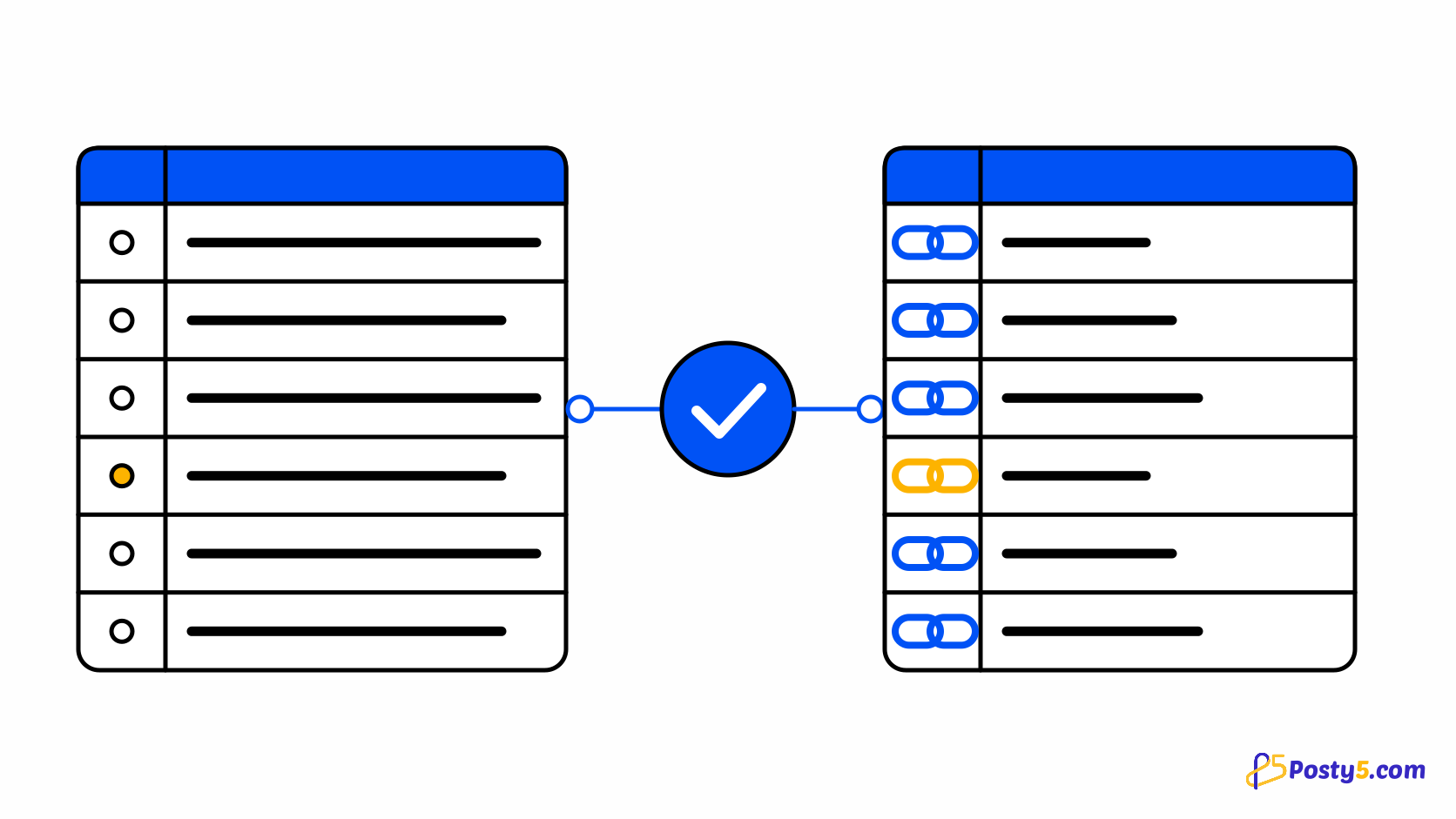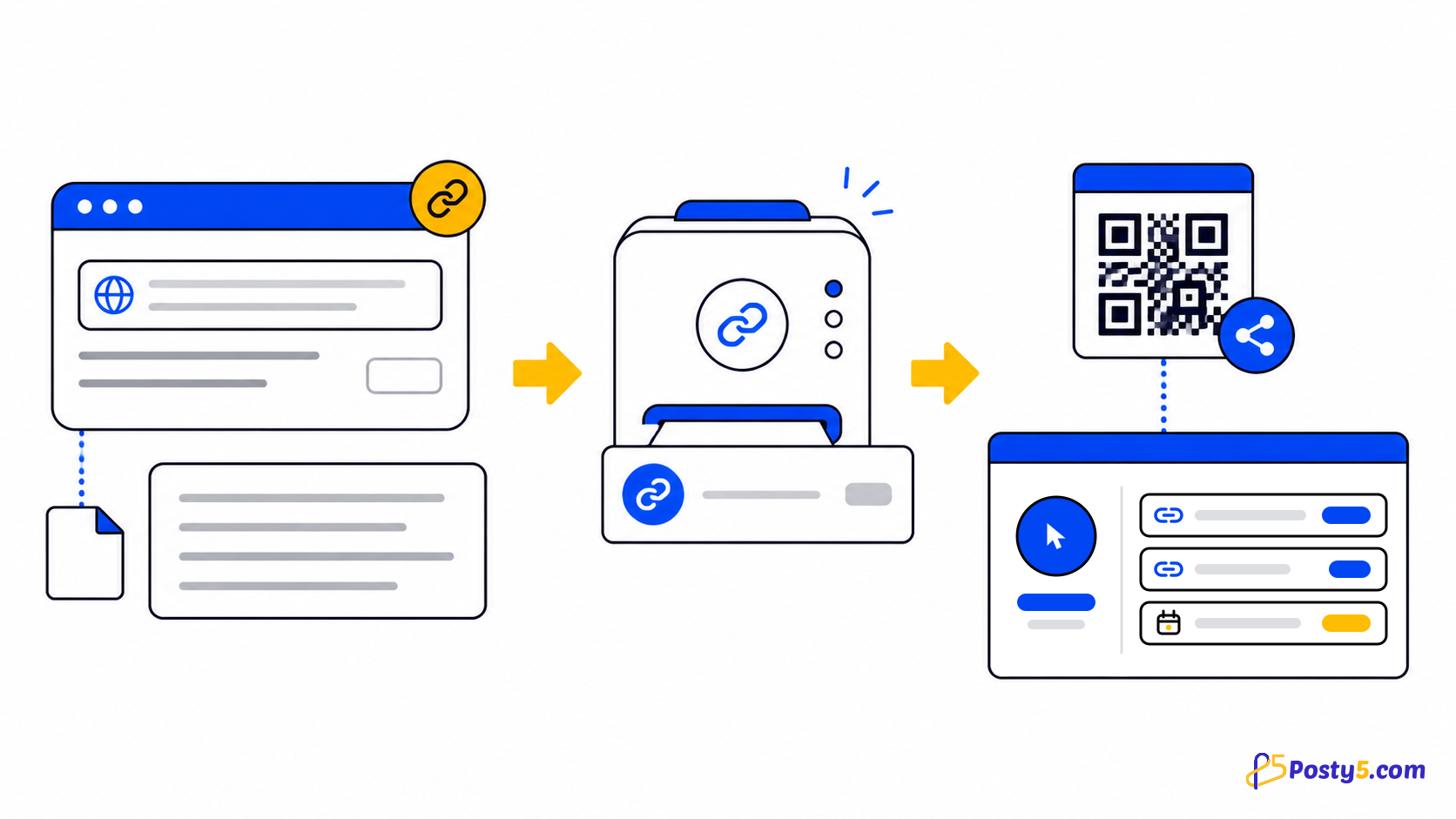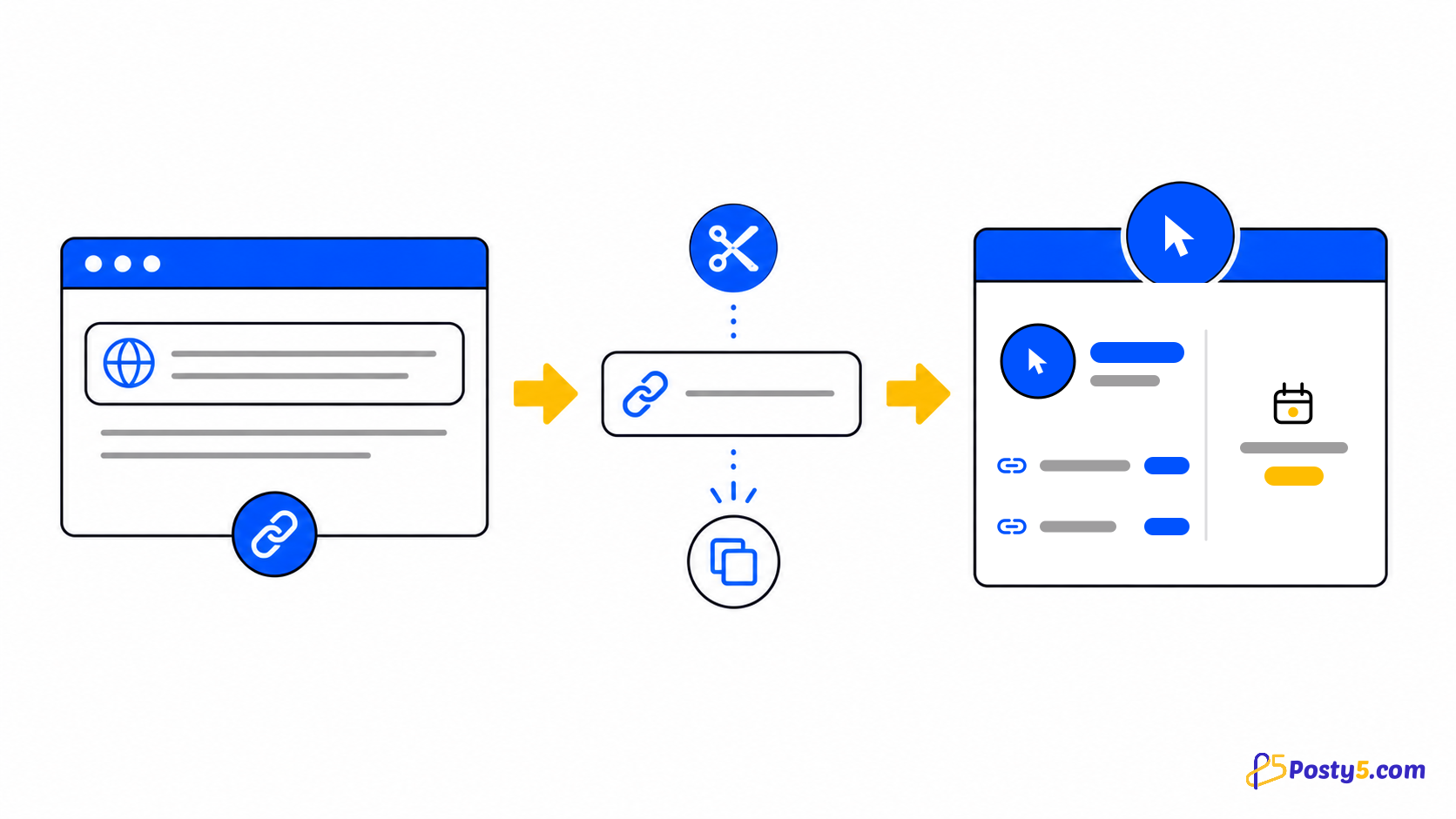
API tag और refId लेती है और exact value से filter करती है। ये automation fields हैं, standard public form controls नहीं।
Campaign links व्यवस्थित करें
API tag और refId लेती है और exact value से filter करती है। ये automation fields हैं, standard public form controls नहीं।
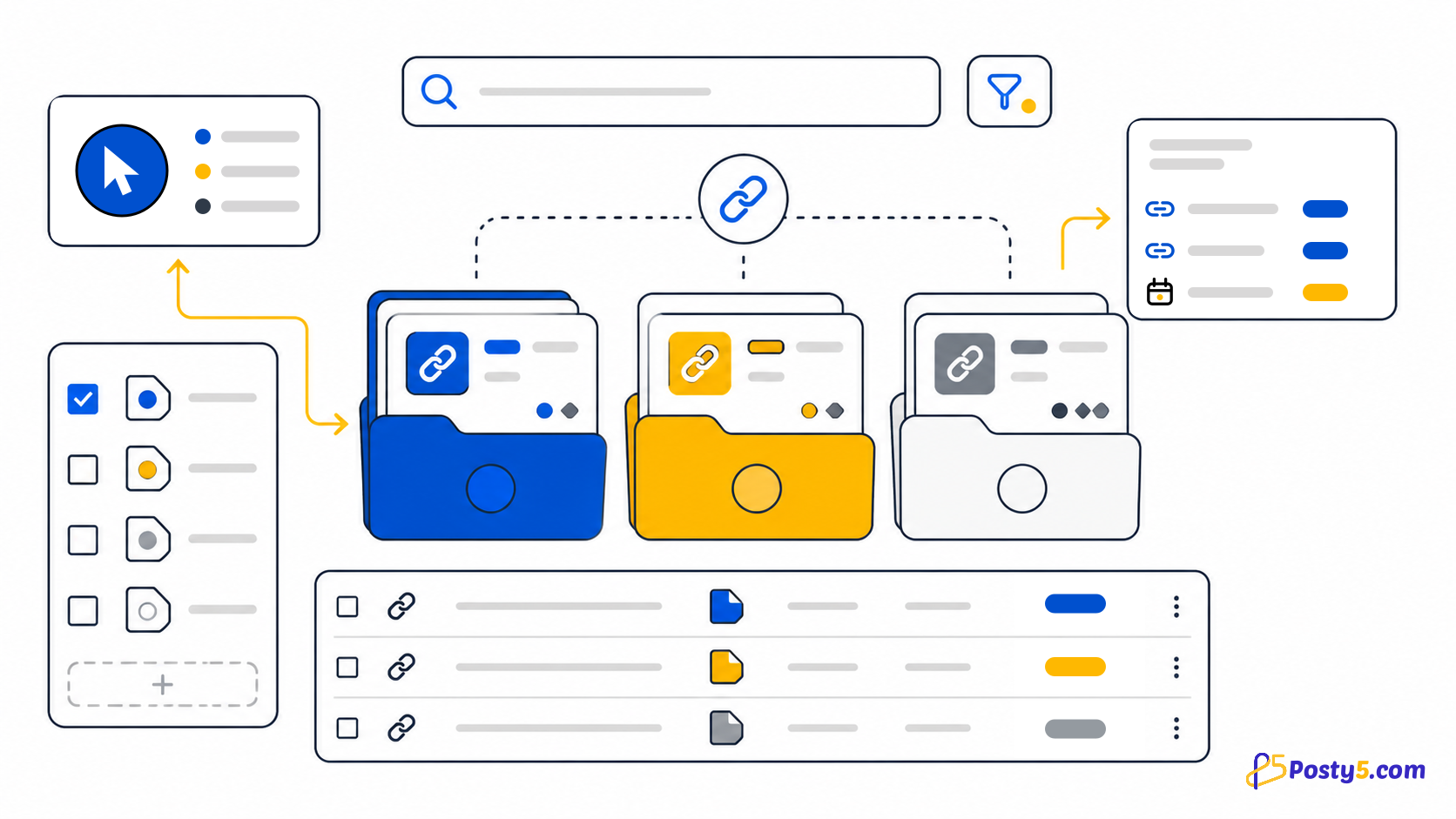
Dashboard names और API tags के लिए एक naming scheme रखें, और automation के external ID के लिए refId रखें। Shorten करने से पहले destination में UTM जोड़ें।
Short link बनाएँ
- Dashboard names और API tags के लिए एक naming scheme रखें, और automation के external ID के लिए refId रखें। Shorten करने से पहले destination में UTM जोड़ें।
- API tag और refId लेती है और exact value से filter करती है। ये automation fields हैं, standard public form controls नहीं।
- Signed-in user links list और search कर सकता है, details खोल सकता है, destination या name edit कर सकता है और delete कर सकता है। Destination बदलने पर short address वही रहता है।
Visits सही तरह मापें
Posty5 हर link के total visitors और last-visit date रखता है। Period statistics totals और top links भी दिखाते हैं।
Posty5 location, device या referrer वाला per-click history नहीं रखता। Aggregate counter को unique visitors या detailed attribution न मानें।
Workflows की तुलना करें
Per-user custom domain verified नहीं हैं। इनमें से कुछ जरूरी हो तो दूसरा workflow चुनें।
सामान्य प्रश्न
Campaign links व्यवस्थित करें?
API tag और refId लेती है और exact value से filter करती है। ये automation fields हैं, standard public form controls नहीं।
Visits सही तरह मापें?
Posty5 हर link के total visitors और last-visit date रखता है। Period statistics totals और top links भी दिखाते हैं।
Posty5 short links कैसे काम करते हैं?
Dashboard names और API tags के लिए एक naming scheme रखें, और automation के external ID के लिए refId रखें। Shorten करने से पहले destination में UTM जोड़ें।
Short link बनाएँ?
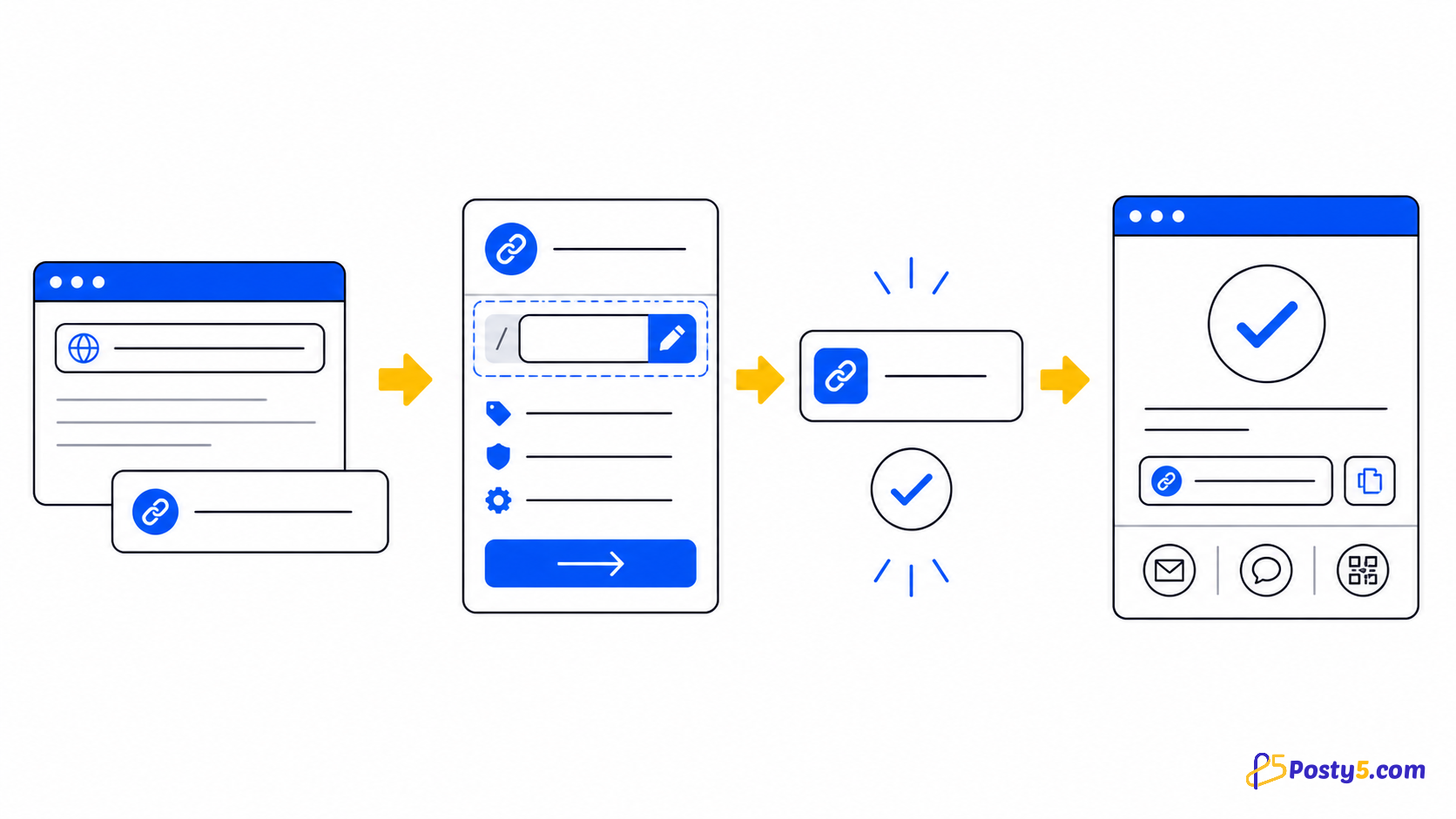
https:// सहित पूरा destination paste करें, sign in होने पर चाहें तो नाम या उपलब्ध custom ending दें, verification पूरा करें, फिर result बनाएँ, copy और test करें।
URL Shortener guides आगे पढ़ें
- पढ़ें: Posty5 URL Shortener: छोटे लिंक बनाएँ और सँभालें
- पढ़ें: 3 चरणों में URL छोटा कैसे करें
- पढ़ें: Posty5 से कस्टम शॉर्ट लिंक कैसे बनाएँ
- पढ़ें: सरल short links और QR के लिए Bitly alternative
- पढ़ें: Link management और QR वाला TinyURL alternative
- पढ़ें: Posty5 बनाम Bitly: सही link workflow चुनें
- पढ़ें: Short link काम नहीं कर रहा? कारण और समाधान